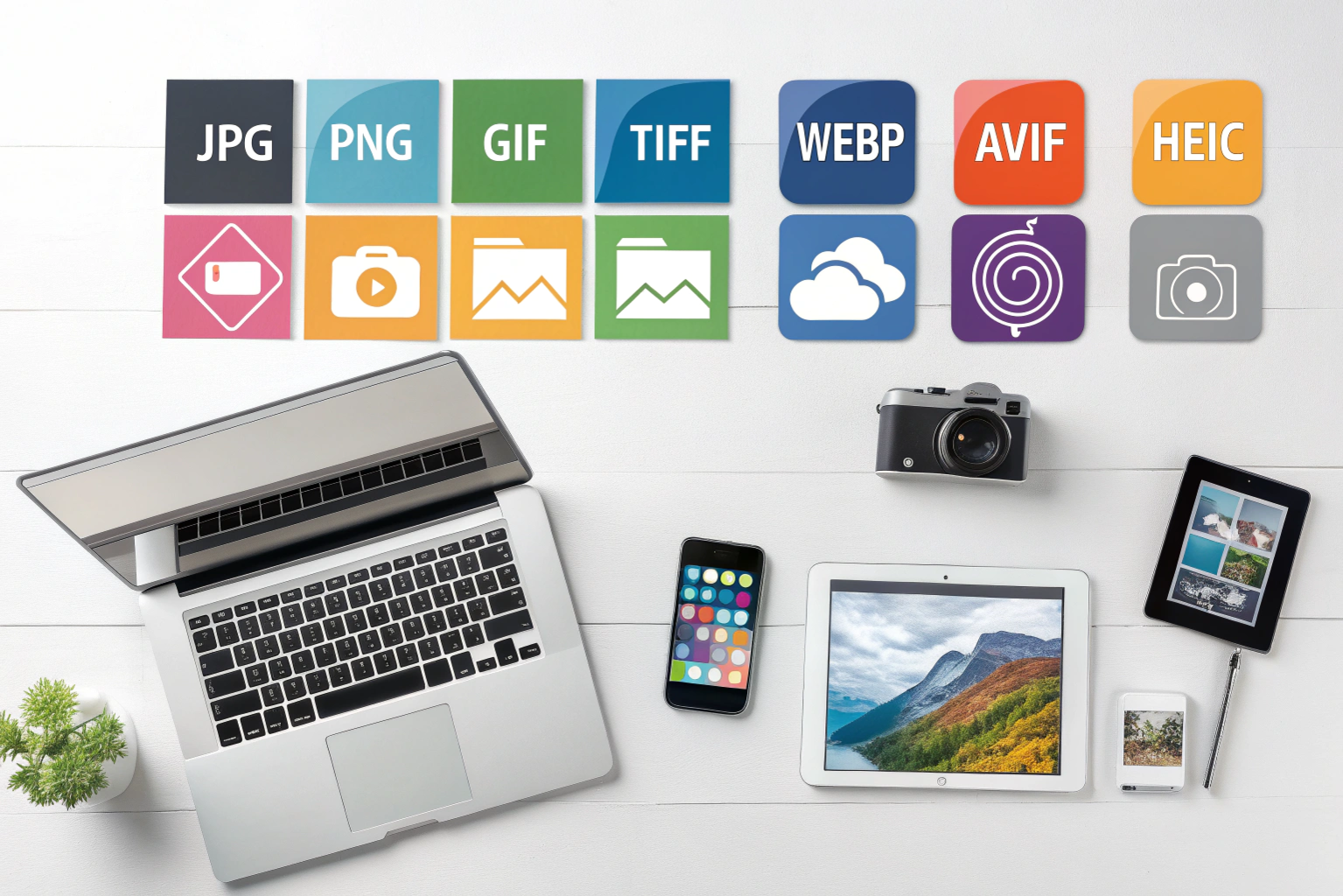
An image file format is a standardized method used to store, organize, and display digital images on computers, smartphones, and the web. It defines how image data such as pixels, colors, compression, and metadata are saved inside a file. Different image file formats are designed for different purposes—some focus on high quality, while others focus on smaller file size or faster loading.
Understanding what an image file format is helps you choose the right format for photography, website images, app graphics, printing, or storage. Each format handles image quality, compression, and compatibility differently, which directly impacts performance and visual clarity.
Why Different Image File Formats Exist
Not all images have the same requirements. That’s why multiple image file formats exist:
High-quality storage: Formats like BMP and TIFF store images with little or no compression.
Efficient storage: Modern formats like HEIC reduce file size while maintaining quality.
Web optimization: Formats like WebP are designed to load faster on websites.
Device compatibility: Some formats are optimized for specific platforms such as Windows or Apple devices.
Choosing the wrong image format can result in large file sizes, slow loading pages, or loss of image quality.
Types of Image File Formats
Image file formats are broadly classified into:
Raster (Bitmap) Image Formats
These formats store images as pixels and are best for photographs and detailed visuals.
BMP
HEIC
TIFF
WebP
JPEG
PNG
Vector Image Formats
These formats use mathematical paths and are best for logos and scalable graphics.
SVG
How Image File Format Affects Quality and File Size
Every image file format uses a different compression technique:
Uncompressed formats preserve every detail but result in large file sizes.
Lossless compression reduces file size without losing quality.
Lossy compression significantly reduces file size but removes some image data.
The right balance between quality and size depends on how and where the image will be used.
Explore Popular Image File Formats
This category covers detailed explanations of commonly used image file formats. Click below to learn more about each one and understand when to use them:
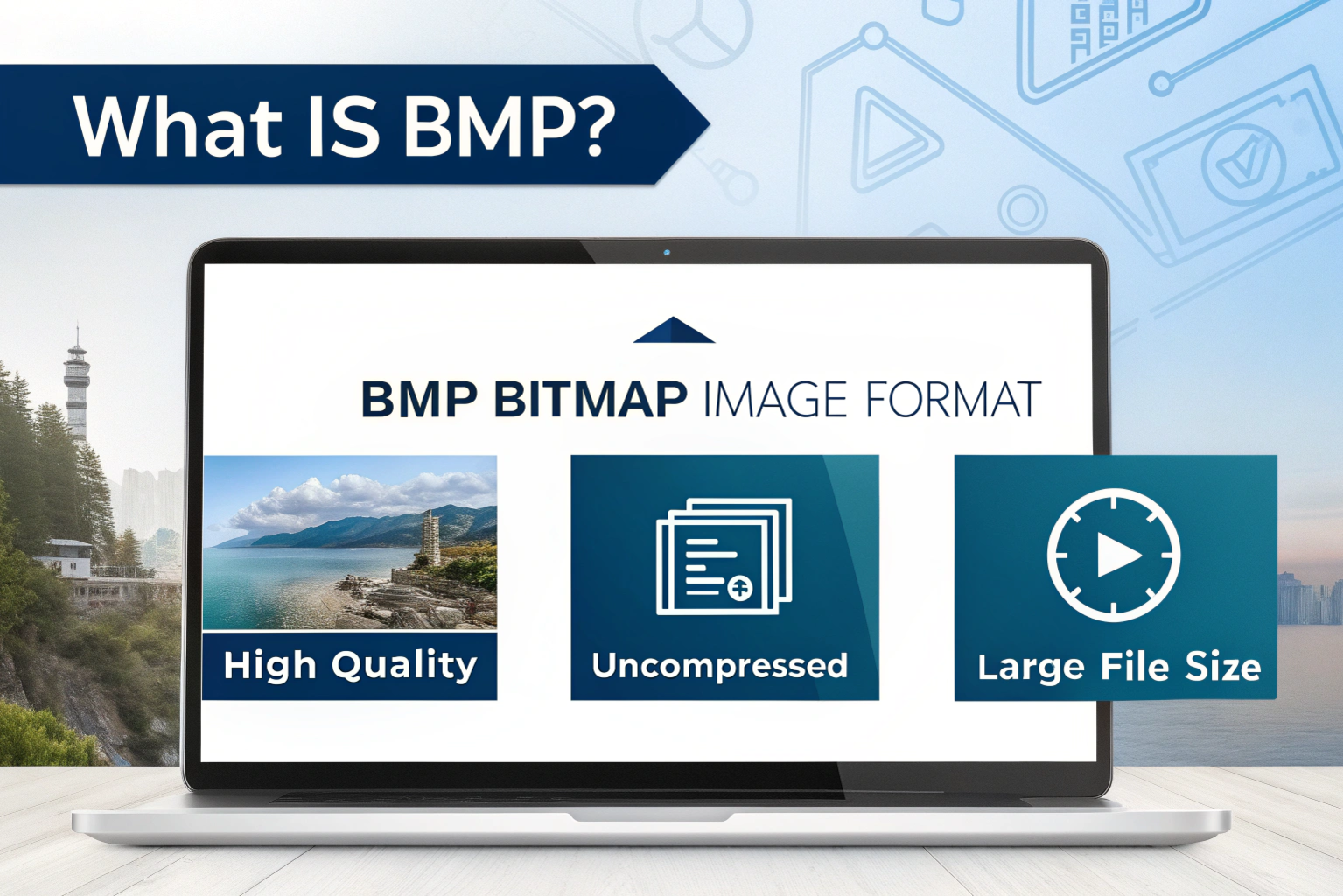
What is BMP? – Learn how bitmap images store high-quality uncompressed visuals and why they result in large file sizes.
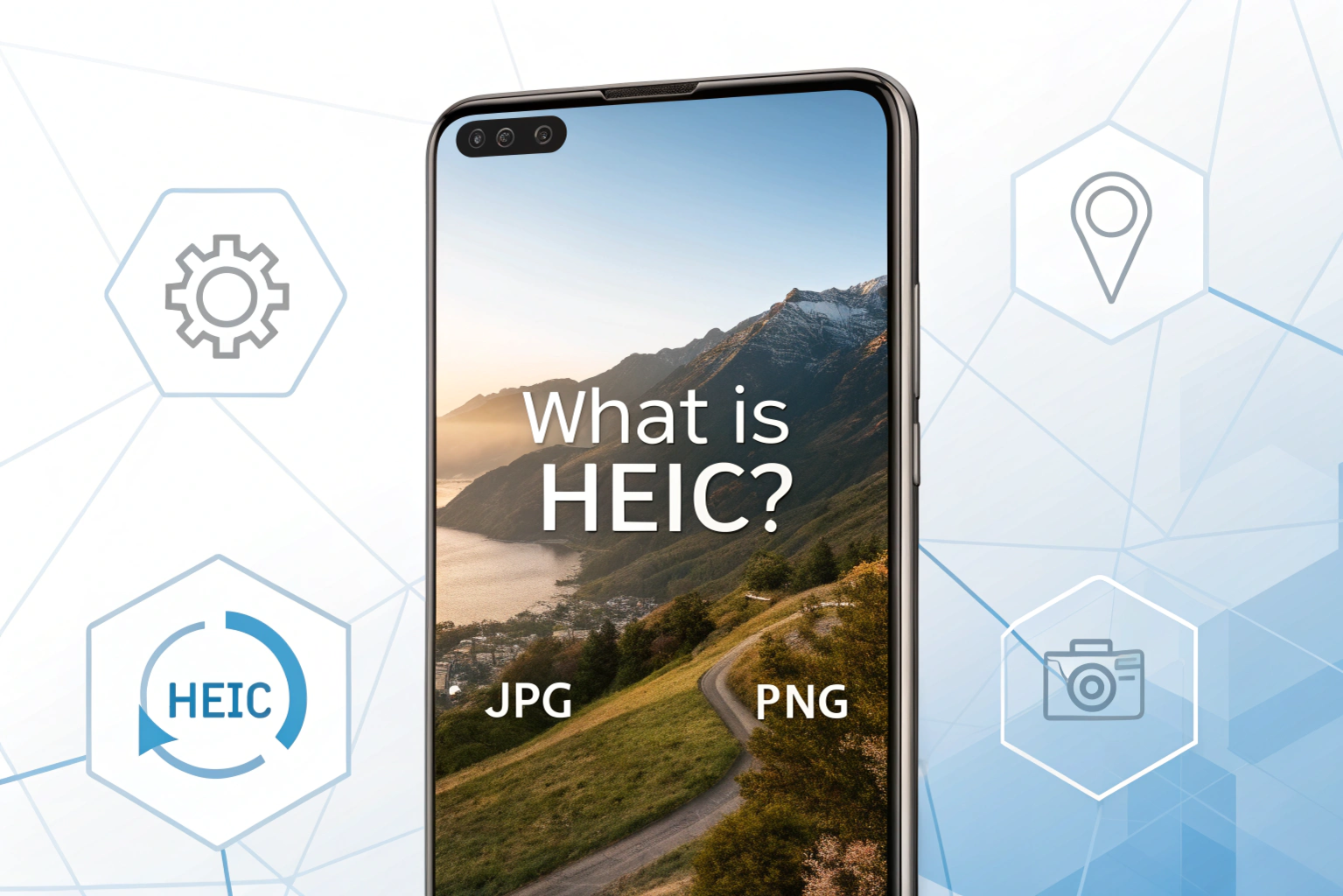
What is HEIC? – Understand Apple’s modern image format that offers high quality with efficient storage.
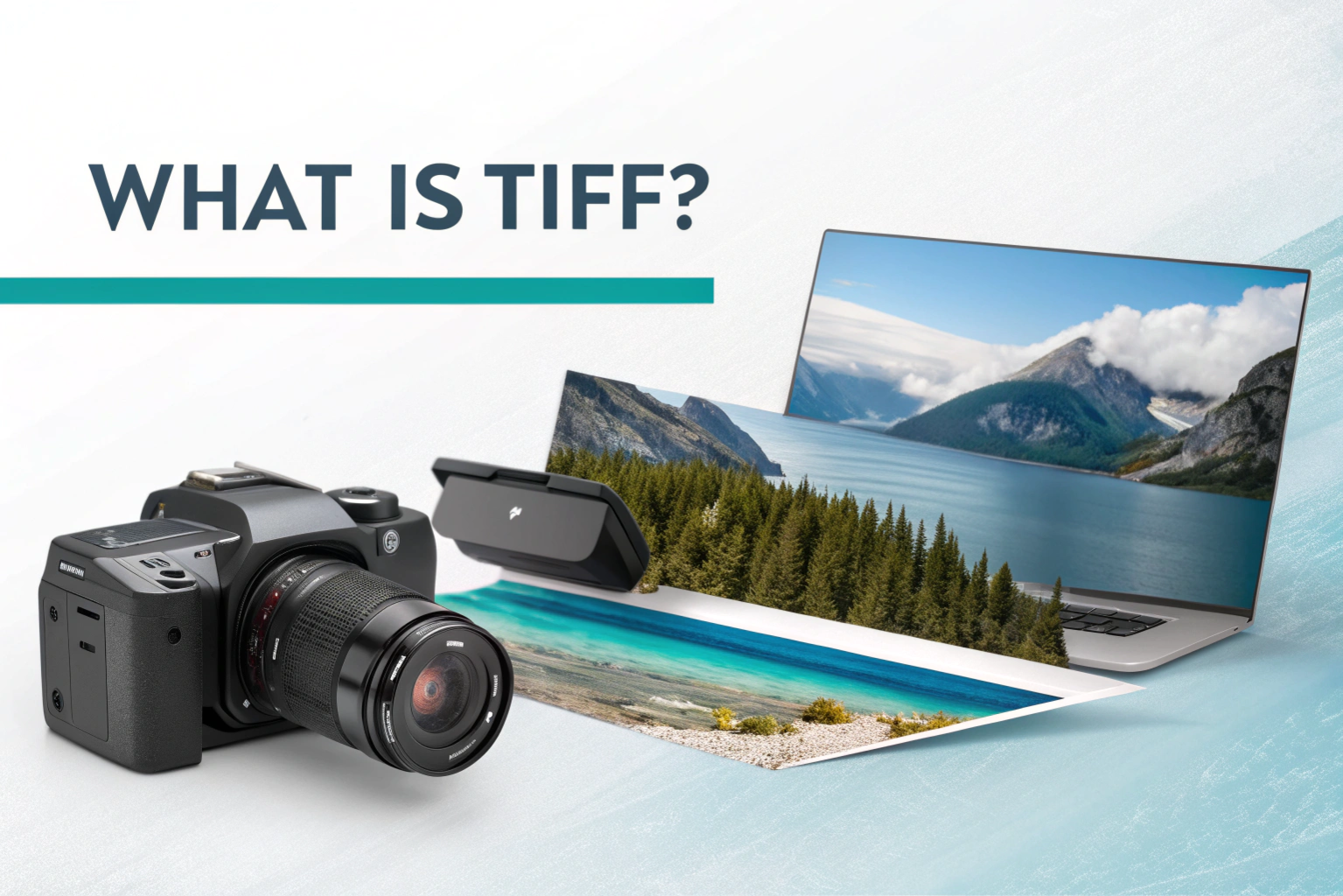
What is TIFF? – Discover why TIFF is widely used in photography, scanning, and professional printing.
What is WebP? – Explore Google’s web-optimized image format designed for faster loading and smaller file sizes.
Each guide explains the format’s purpose, advantages, limitations, and best use cases.
Image file formats are different ways of saving and storing pictures on your device. Just like you save documents in formats like PDF or Word, images also have their own…
Icons are everywhere on your computer. The small image you see on apps, folders, and shortcuts is usually stored in a file called an ICO file. The ICO format is…
What is BMP?BMP is a Bitmap Image File format mainly used in Windows to store high-quality images without losing any details. Unlike formats such as JPG or WebP, a BMP…
What is HEIC? HEIC stands for High Efficiency Image Container. It is a modern image file format that is mostly used by Apple devices like iPhones and iPads. The main…
What is TIFF? TIFF stands for Tagged Image File Format. It is a popular image file format that is mainly used to store high-quality images without losing detail. TIFF files…
What is WebP? WebP is a modern image format developed by Google that helps reduce image file size without losing much quality. It is mainly used on websites to make…