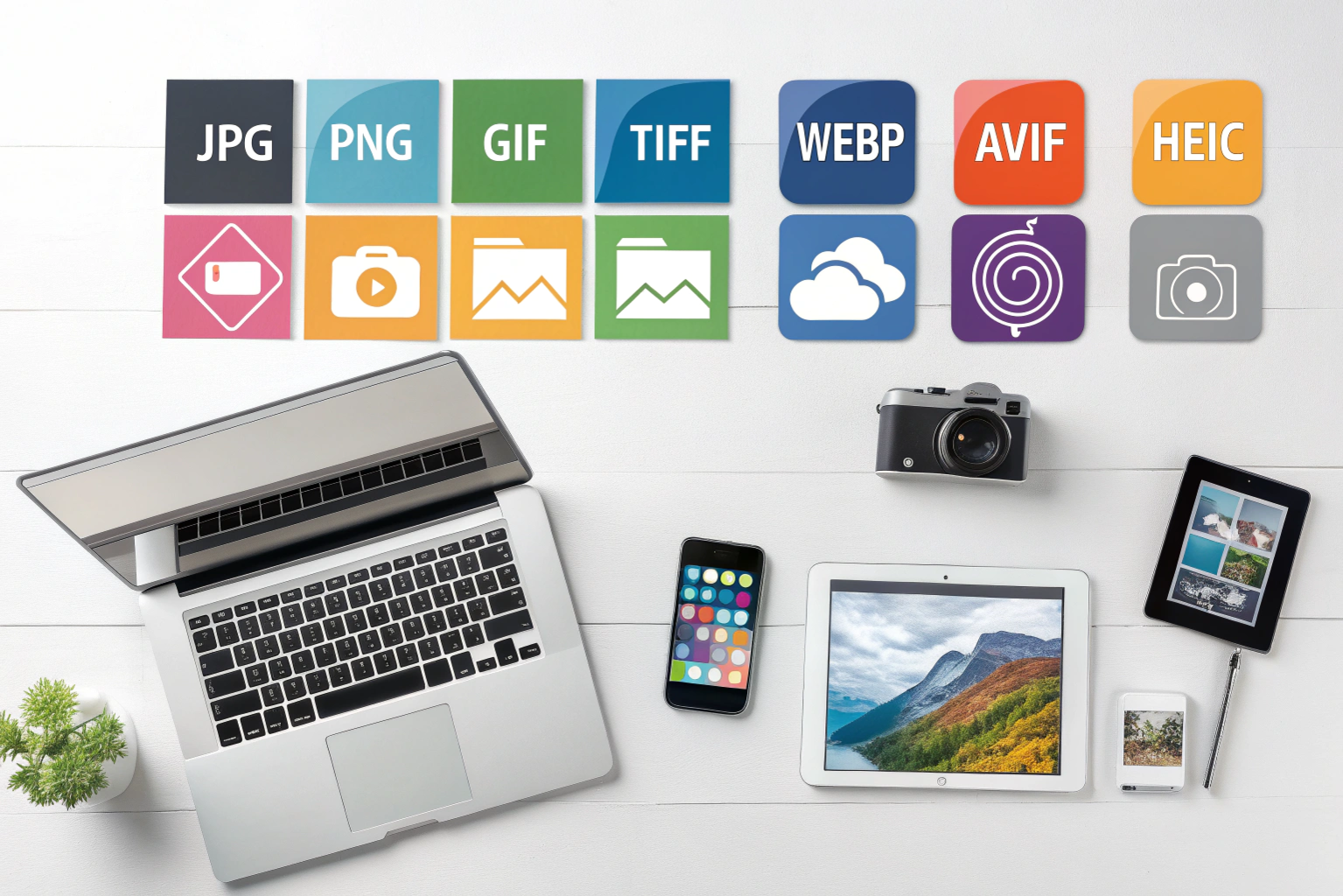

Image file formats are different ways of saving and storing pictures on your device. Just like you save documents in formats like PDF or Word, images also have their own formats such as JPG, PNG, GIF, and many more. Each of these formats has its own purpose. Some are great for high quality photos, some are best for websites, and some are used for professional editing and printing.
Think of it like containers for images. The picture remains the same, but the format decides how it is saved, how clear it looks, how much storage it takes, and where it can be used. For example, JPG is great for normal photos with smaller file size. PNG is good when you need clear quality and transparency. GIF is used for short animated images.
In simple words, image file formats help decide how your image will look, how big the file will be, and where it will work best. Understanding them makes it easier to choose the right one for your needs.
Types of Image File Formats
Image file formats are mainly divided into two big categories: Raster images and Vector images. Both are used for different purposes, and understanding the difference helps you choose the right one.
Raster images are made of tiny pixels. Each pixel is like a small square of color, and when all pixels come together, they form a complete picture. Common raster formats are JPG, PNG, GIF, BMP, TIFF, and WebP. These images are great for photographs and detailed pictures. However, if you zoom in too much or stretch them, they can lose quality and look blurry.
On the other hand, Vector images are not made of pixels. They are created using mathematical shapes like lines, curves, and points. This makes them super sharp and scalable. You can resize them to any size without losing quality. Common vector formats include SVG, AI, EPS, and PDF (in many cases). These are mostly used for logos, icons, graphics, and illustrations.
So in simple words, raster images are perfect for photos and realistic visuals, while vector images are ideal for designs that need to stay sharp at any size like branding, graphics, and digital illustrations.
Popular Image File Formats
When it comes to image formats, JPG, PNG, and GIF are the most commonly used ones, and each has its own special purpose.
JPG (or JPEG) is the most popular image format for photos. It reduces file size, which means your images load faster and take less storage. It is perfect for social media, websites, photography, and everyday use. The only drawback is that quality can drop slightly when compressed too much, but for normal use it works great.
PNG is known for its high quality and transparency support. If you see images with clear backgrounds, like logos, icons, or graphics, they are usually PNG. It keeps image quality sharp, but the file size is usually bigger than JPG.
GIF is mostly used for short animations and simple graphics. You often see GIFs in memes, stickers, and small moving images. It supports animation but only has limited colors, so it’s not ideal for real photos.
In simple words, JPG is best for photos, PNG is best for quality graphics and transparency, and GIF is best for fun animated images.
High-Quality Image Formats
Some image formats are designed to keep the best quality possible, mainly for professional work. Three popular high-quality formats are TIFF, RAW, and BMP, and each one serves a different purpose.
TIFF is widely used in professional photography, printing, and design. It keeps excellent image quality with very little or no compression. Because of this, TIFF files are large but very clear, making them perfect for editing, scanning, and high-resolution prints.
RAW is mostly used by digital cameras. When you click a photo in RAW format, the camera captures all the original image data without compressing it. This gives photographers more control while editing, such as adjusting colors, brightness, shadows, and details. RAW images look dull at first but can be edited beautifully.
BMP is an older high-quality image format mostly used in Windows systems. It stores images without compression, which keeps the quality high but creates very large files. Today it is less common but still used in some specific graphic and technical uses.
In short, TIFF is great for printing and design, RAW is best for professional photography and editing, and BMP is used when you need uncompressed image quality.
Modern Web Image Formats
As technology improves, newer image formats are being developed to offer better quality with smaller file sizes. Three of the most popular modern formats are WebP, AVIF, and HEIC, and they are becoming the new standard for smartphones, websites, and digital media.
WebP is created by Google and is widely used on modern websites. The best thing about WebP is that it keeps great image quality while reducing file size a lot. This helps websites load faster and improves user experience. It also supports transparency like PNG and can even handle animations like GIF.
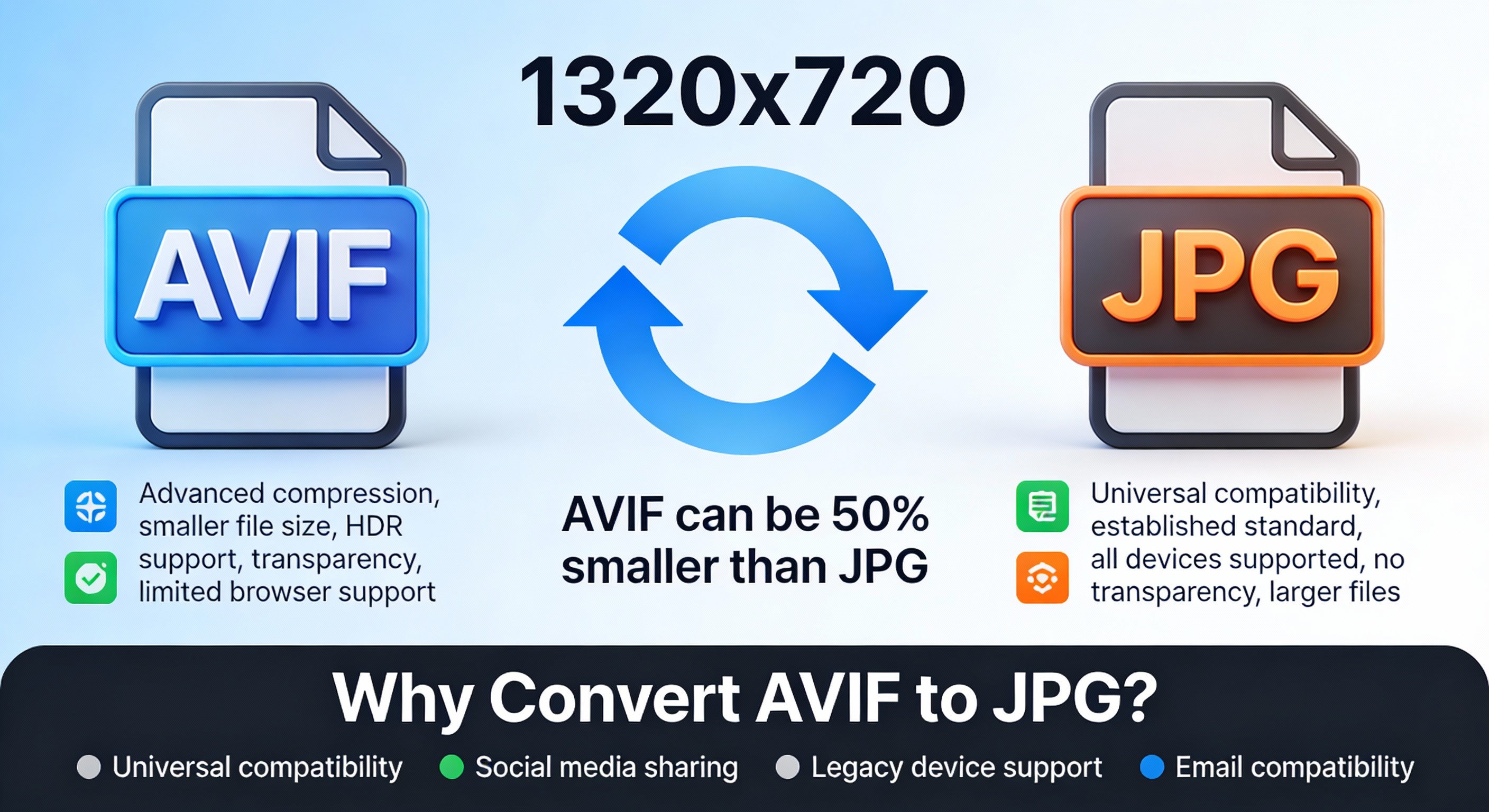
AVIF is one of the newest image formats and is even more advanced than WebP in many cases. It offers excellent image quality with extremely small file sizes. This makes it perfect for high-quality images on the web without slowing down page speed. Many modern browsers and platforms are starting to support AVIF.
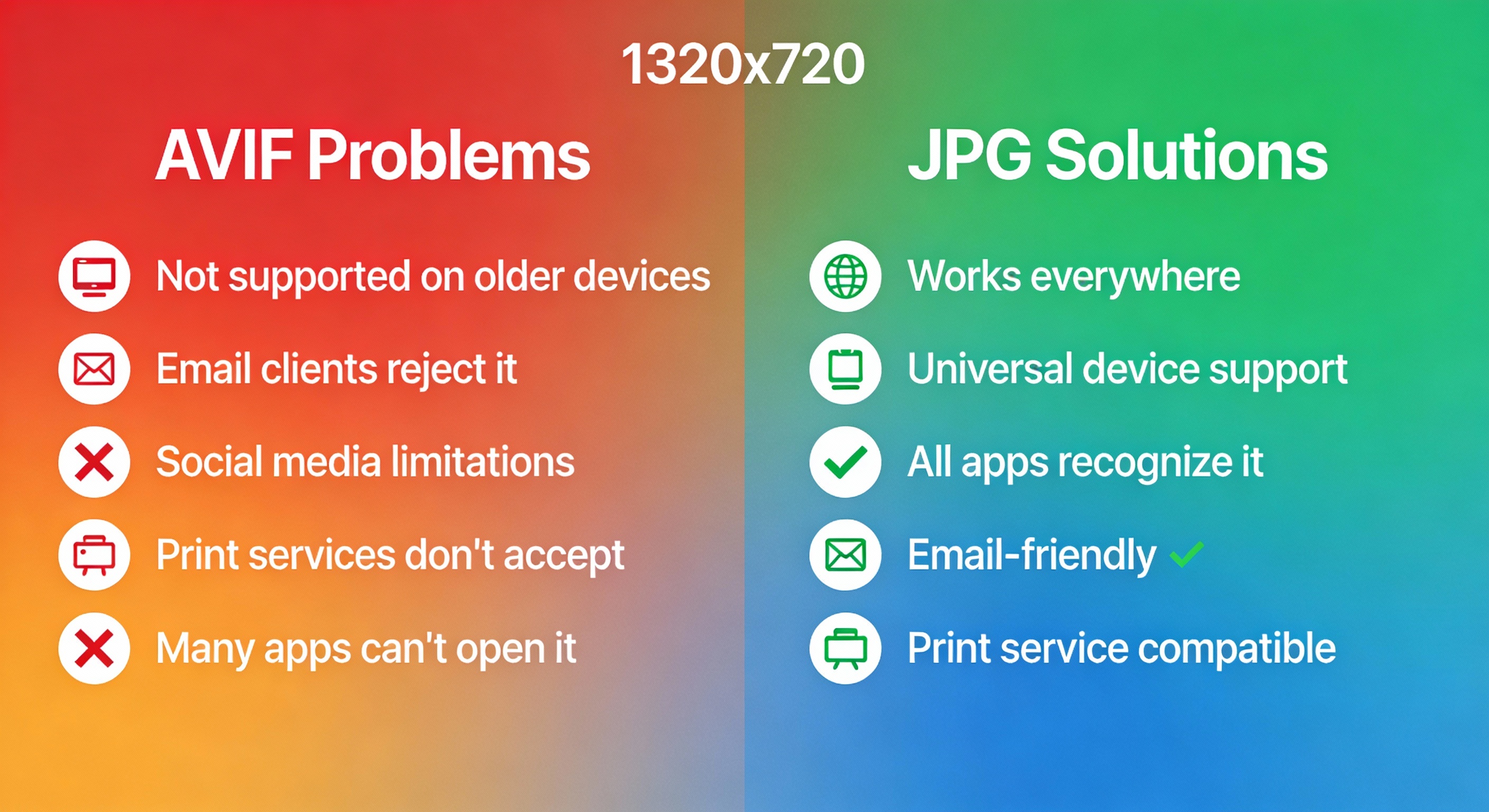
HEIC is commonly used by Apple devices like iPhones and iPads. When you click photos on an iPhone, they are usually saved in HEIC format. It stores high-quality photos with smaller file sizes compared to JPG, which helps save storage. However, sometimes you may need to convert HEIC to JPG to open it on non-Apple devices.
In simple words, WebP and AVIF are great for websites, and HEIC is amazing for mobile photography, especially on iPhones. These modern formats focus on better quality, smaller storage, and faster performance.
Lossy vs Lossless Image Compression
When you save an image, it often gets compressed to reduce its file size. This helps images load faster and saves storage space. There are two main types of image compression: lossy and lossless, and each works differently.
Lossy compression reduces the file size by permanently removing some image data. This slightly lowers the quality, but most of the time you won’t notice it with normal images. Formats like JPG and some WebP images use lossy compression. It is perfect for web images, social media photos, and situations where smaller file size matters more than perfect quality.
Lossless compression reduces file size without losing any image data. The quality stays the same as the original. Formats like PNG, TIFF, and some WebP or AVIF files use lossless compression. These are great when image clarity and details are important, such as logos, graphics, printing, or professional editing.
In simple terms, lossy compression is best when you want smaller files and faster speed, while lossless compression is best when you need perfect quality without any loss.
Best Image File Formats for Web, Photography, Print, and Social Media
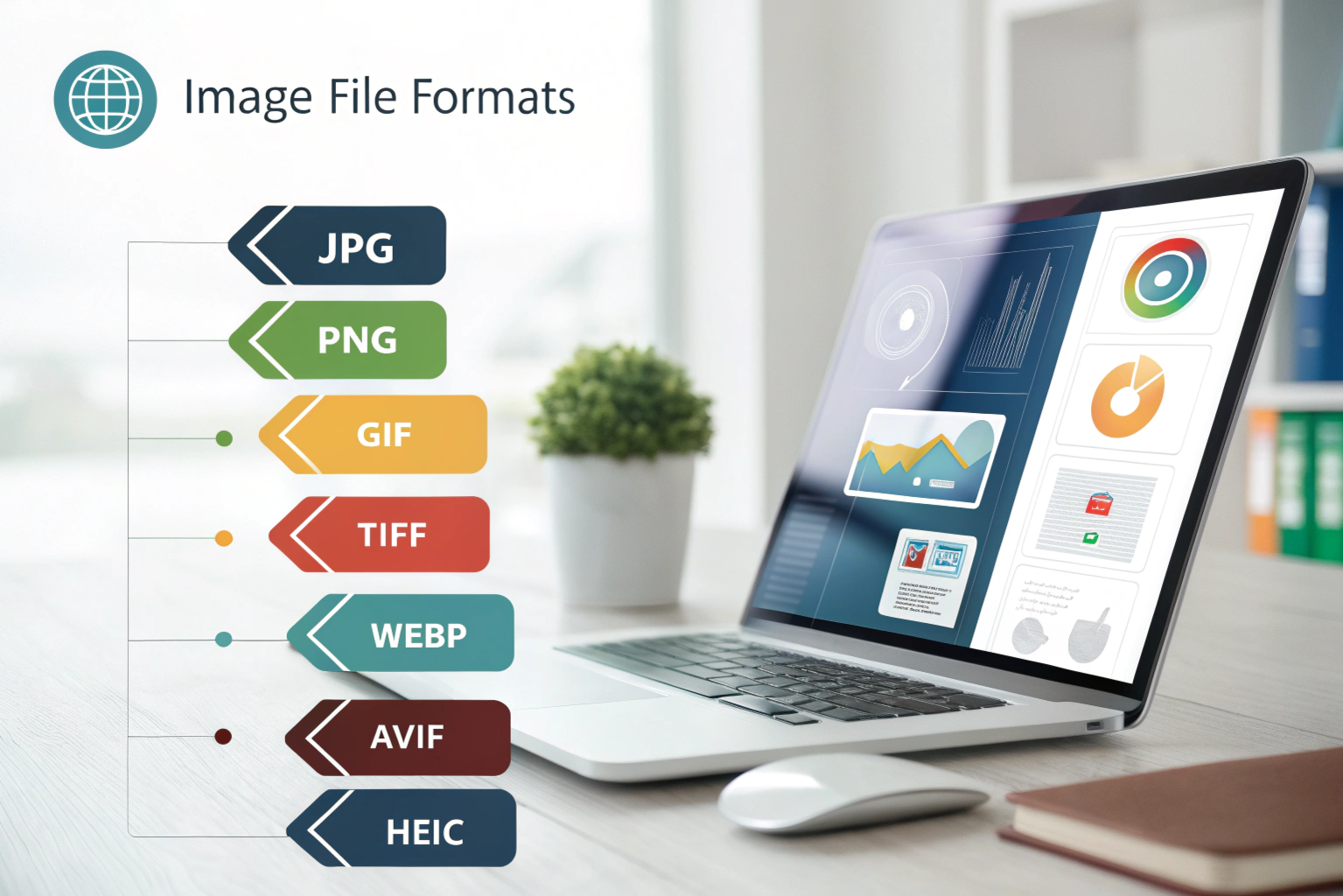
Different platforms need different image formats. The best format depends on what you are using the image for, whether it is for a website, professional photography, printing, or social media.
For the web, image size and loading speed are important. Formats like WebP, JPG, and sometimes PNG work best. WebP is great because it gives good quality with smaller file size, helping websites load faster. JPG is also widely used for normal photos, while PNG is perfect for graphics and images that need transparency.
For photography, quality matters more than file size. Professional photographers usually prefer RAW and TIFF. RAW is ideal for editing because it keeps all image details, while TIFF is great for saving high-quality final versions.
For printing, you need sharp and clear images. Formats like TIFF and high-resolution JPG are commonly used. They maintain detail and ensure the printed image looks clear and professional.
For social media, smaller file size and compatibility are key. JPG and PNG are the most popular. JPG works best for normal photos, while PNG is good for graphics, text images, and posts that need transparency.
In simple words, WebP and JPG are great for web, RAW and TIFF are best for photography, TIFF is ideal for printing, and JPG or PNG work perfectly for social media.
How to Convert Image File Formats Easily (Online and Software Tools)
Converting image file formats is easier than most people think. Whether you are changing JPG to PNG, HEIC to JPG, or any other format, you can do it using online tools, software, or even built-in options on your device.
If you want a quick method without installing anything, online converters are the best choice. Websites like Convertio, Online-Convert, and CloudConvert let you upload an image, choose the format you want, and download the converted file within seconds. These are simple and beginner-friendly, but make sure to use trusted websites.
If you prefer offline methods, you can use software tools like Adobe Photoshop, GIMP, or Paint. You just need to open the image and save it in a different format. These tools are great if you need better control over quality, size, or editing.
Many devices also have built-in options. For example, you can convert images using the Photos app on Windows, Preview on Mac, or built-in editing apps on phones.
So in short, you can easily convert images online, with software, or using your device’s default tools. Just pick the method that feels most comfortable for you.
Conclusion
Choosing the right image file format depends on what you need it for. There is no single “best” format for everything. Each format is designed for a specific purpose, whether it is for web use, printing, photography, or social media.
If you want smaller files for websites or everyday sharing, JPG and WebP are great choices. If you need sharp quality, transparency, or graphics, PNG is the better option. For professional work like printing and editing, TIFF and RAW are perfect because they maintain excellent image quality. And for modern mobile photography, especially on iPhones, HEIC helps save storage while keeping good quality.
In simple words, think about where and how you want to use the image, and choose the format that best fits that purpose. When you understand image file formats, it becomes much easier to pick the right one and get the best results.
Need to Compress or Convert Files?
Try CompressNow.in - Free, Fast & Secure file compression and conversion tools!

Author Bio – Tanishk Singh
Tanishk Singh is a Digital Marketing Strategist, SEO Specialist, and Web Technology Expert with over 4+ years of hands-on experience in building, ranking, and monetizing high-performance web platforms.
He has helped scale organic traffic for multiple education and SaaS websites, including increasing Shoolini Online’s SEO traffic from 800 to 20,000+ users in just 2.5 months using advanced content architecture, AI-driven SEO, and Google SGE optimization.
Tanishk specializes in creating AI-powered web tools, performance-optimized platforms, and SEO-focused websites that rank, convert, and generate consistent revenue.