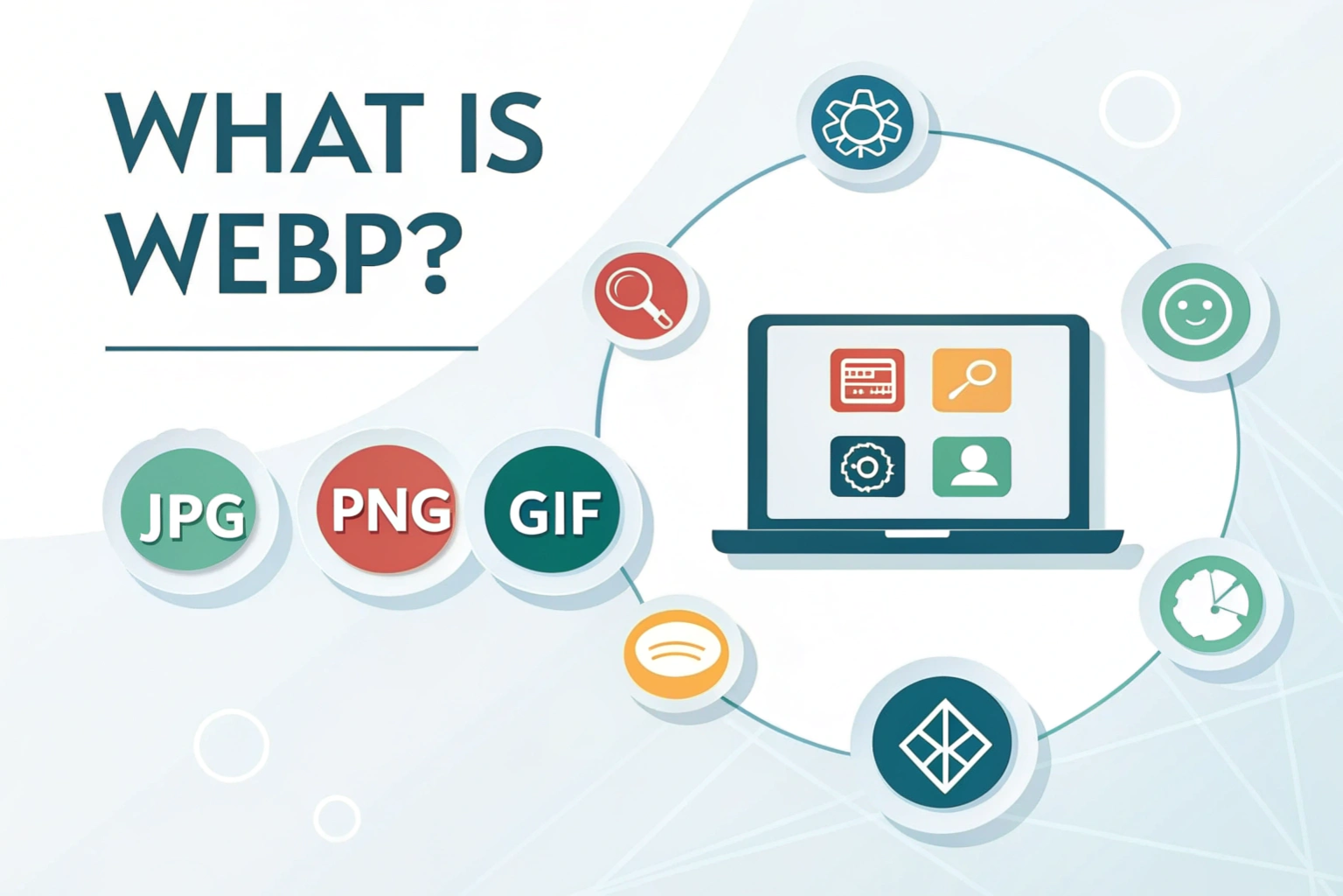

What is WebP? WebP is a modern image format developed by Google that helps reduce image file size without losing much quality. It is mainly used on websites to make images load faster while still looking clear and sharp. Compared to traditional formats like JPG and PNG, WebP images take up less space, which helps improve website speed and performance.
WebP supports both high quality images and smaller file sizes at the same time. It can also handle transparency and animation, which makes it a flexible option for different types of images. Because of these benefits, WebP is widely used in web design, blogs, and online stores.
Why WebP Was Developed
Google developed WebP to solve a common problem on the internet. Large image files slow down websites and increase data usage. WebP was created to make images lighter so web pages load faster, especially on mobile devices and slow internet connections.
By using WebP, website owners can improve user experience and reduce bandwidth usage. Faster loading pages also help with SEO, which is another reason why WebP has become popular among developers and content creators.
Definition of WebP Format
WebP format is a modern image format designed to create smaller image files without reducing visible quality. It was developed by Google to help websites load faster while still displaying clear and sharp images. The main goal of the WebP format is to reduce image size so pages open quickly, even on slow internet connections.
Unlike older formats such as JPG or PNG, WebP combines high image quality with efficient compression. This makes it a popular choice for websites, blogs, and online platforms that focus on speed and performance.
How WebP Image Technology Works
WebP image technology works by using advanced compression methods to remove unnecessary image data. It analyzes colors, patterns, and pixels in an image and stores them in a smarter way. This helps reduce file size while keeping the image looking almost the same to the human eye.
WebP supports both lossy and lossless compression. Lossy compression reduces file size by slightly adjusting image details, while lossless compression keeps all original data intact. Because of this flexibility, WebP can be used for everything from simple graphics to high quality photos.
Meaning of a WebP File
A WebP file is an image file that uses the WebP format to store pictures in a smaller size. It is commonly used on websites to help images load faster while still looking good. When you see a WebP image, it usually looks the same as a JPG or PNG, but it takes up less storage space.
WebP files can contain photos, graphics, transparent images, and even animations. Because of this flexibility, WebP files are widely used in modern websites, blogs, and online stores where speed and image quality both matter.
WebP File Extension (.webp)
The WebP file extension is written as .webp and it shows that the image is saved in WebP format. This extension helps browsers and devices recognize how to open and display the image correctly.
Most modern web browsers like Chrome, Edge, and Firefox support .webp files without any issues. If a device or app does not support WebP, the file can easily be converted to other formats like JPG or PNG using online or offline tools.
Features of WebP Images
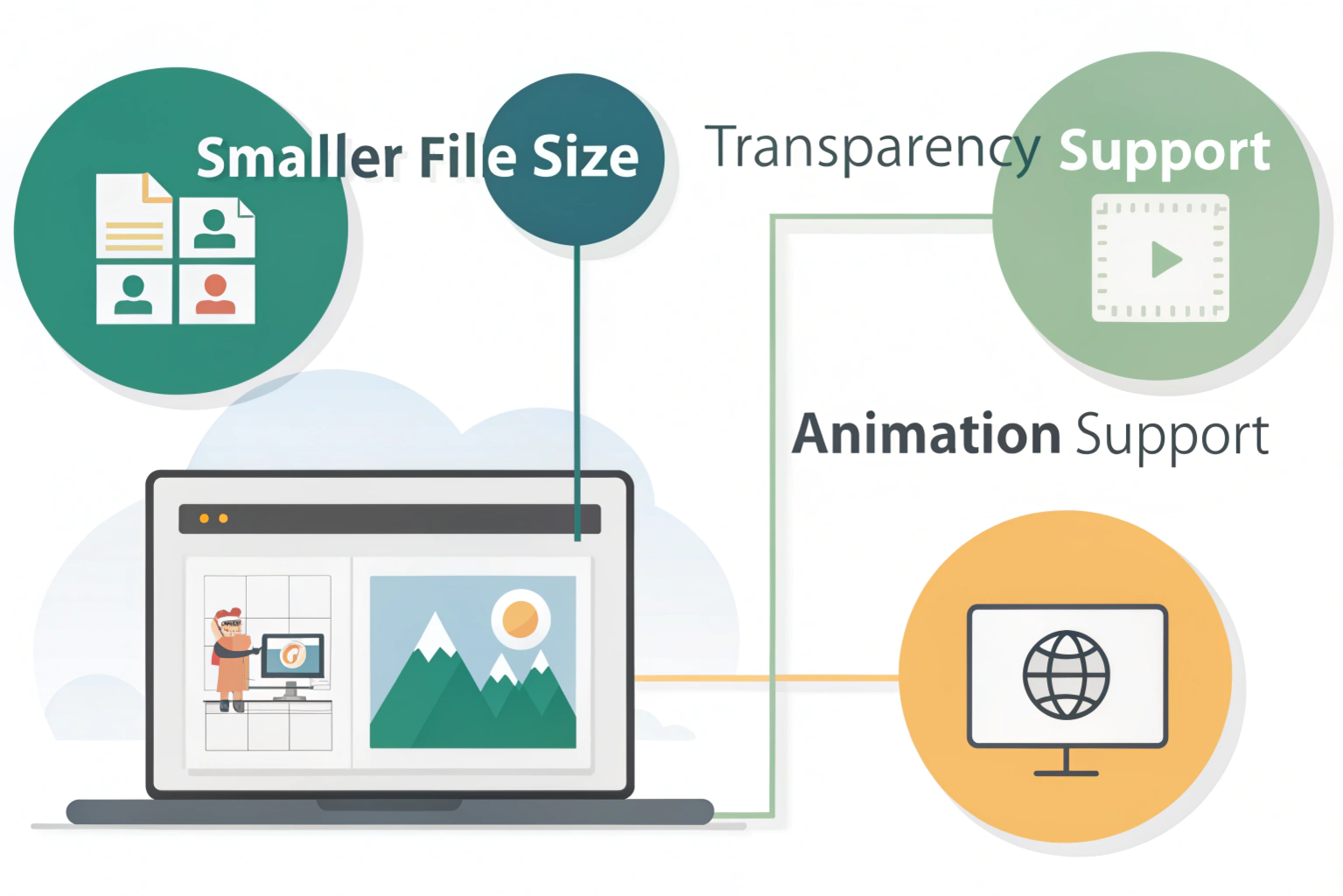
WebP images come with several useful features that make them a popular choice for modern websites. One of the biggest advantages is their smaller file size. WebP images are compressed in a smart way, which means they take up less space while still looking clear and sharp. Smaller image sizes help websites load faster and also save internet data, especially for mobile users.
Another important feature of WebP images is transparency and animation support. WebP can handle transparent backgrounds just like PNG files, which is helpful for logos and icons. It also supports animations similar to GIFs, but with better quality and smaller file sizes. This makes WebP a flexible image format for both static and animated images.
Advantages of Using WebP
One of the main advantages of using WebP images is faster website performance. Since WebP images have smaller file sizes, web pages load more quickly. This creates a smoother experience for visitors and helps reduce bounce rates. Faster loading websites also work better on mobile devices and slow internet connections.
WebP images also offer strong SEO benefits. Search engines like Google prefer fast loading websites, and using WebP helps improve page speed. Better speed can lead to improved search rankings and higher user engagement. By using WebP images, website owners can improve both performance and visibility without sacrificing image quality.
Limitations of WebP Format
Even though WebP has many advantages, it also comes with a few limitations. One common issue is compatibility and support. While most modern browsers support WebP, some older devices, apps, or software may not open WebP files properly. This can cause problems when sharing images with users who are using outdated systems.
Another limitation is editing support. Not all image editing tools fully support WebP files. Some older photo editors may not open or save WebP images without plugins or extra steps. Because of this, users sometimes need to convert WebP images to JPG or PNG before editing them.
WebP vs Other Image Formats
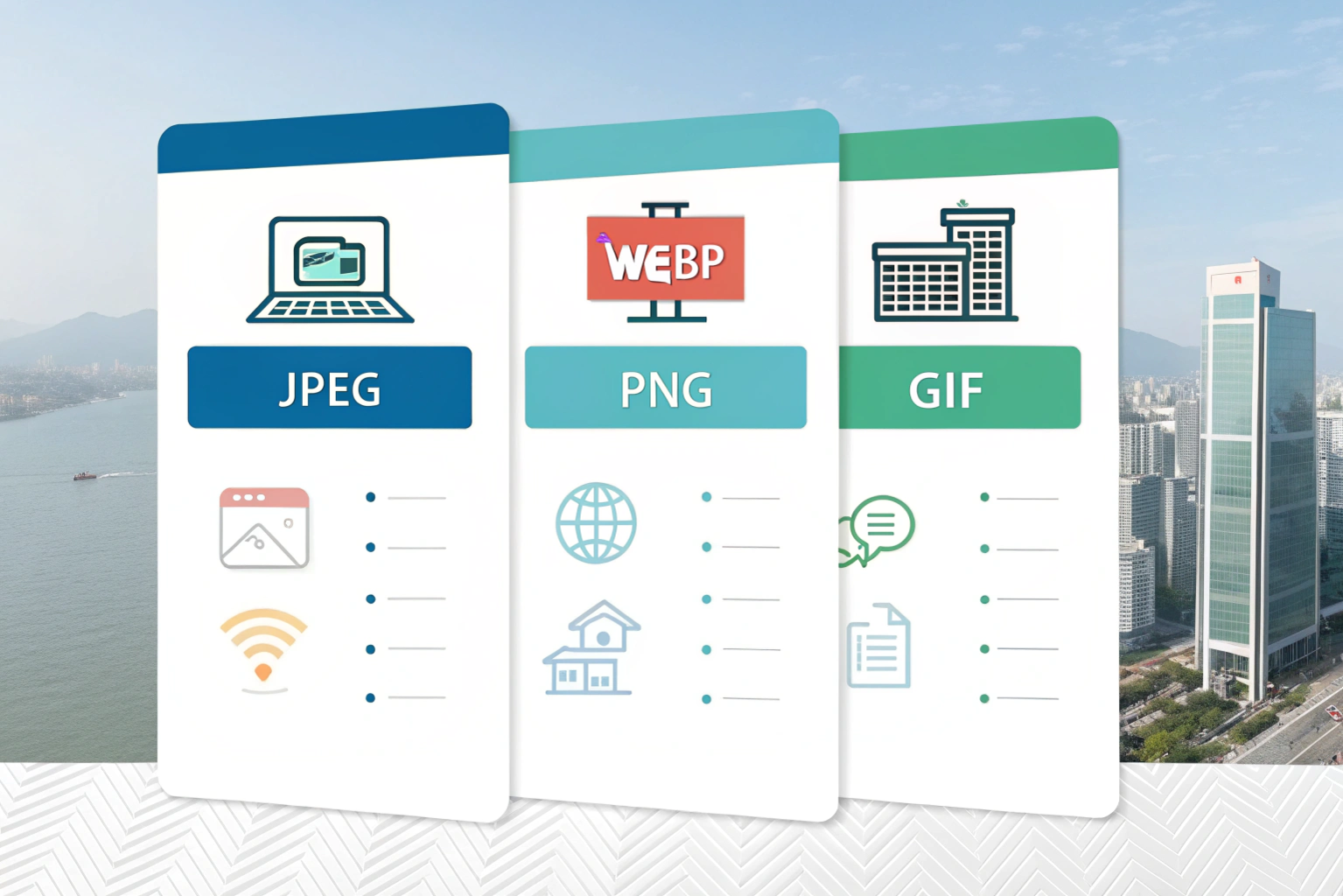
When comparing WebP with other popular image formats, the main differences come down to file size, quality, and features. Each format has its own use, but WebP is often the better choice for modern websites.
WebP vs JPG
JPG is widely used for photos, but WebP usually creates smaller files with similar or better image quality. This means WebP images load faster than JPG images. JPG does not support transparency, while WebP does. For websites focused on speed, WebP is often a better option than JPG.
WebP vs PNG
PNG is known for high quality images and transparency support, but PNG files are usually much larger. WebP provides transparency like PNG while keeping the file size smaller. This makes WebP more efficient for logos, icons, and graphics used on websites.
WebP vs GIF
GIF is commonly used for animations, but it has limited colors and larger file sizes. WebP supports animations with better quality and smoother motion while using less space. Because of this, animated WebP files are often a better alternative to GIFs.
WebP to PNG Converter
Sometimes you may need to convert a WebP image into PNG format. This is where a WebP to PNG converter becomes useful. Converting the image makes it easier to open, edit, or share with tools that do not fully support WebP files.
Why Convert WebP to PNG
People often convert WebP to PNG for better compatibility. PNG files are supported by almost all devices, apps, and image editors. PNG is also a good choice when you need transparency or want to edit the image without losing quality. Converting to PNG helps avoid issues when WebP files cannot be opened or edited properly.
Online and Offline WebP to PNG Conversion Methods
Online converters are the easiest way to convert WebP to PNG. You simply upload the WebP file, choose PNG as the output format, and download the converted image. These tools work directly in your browser and do not require installation.
Offline methods include using image editing software or dedicated conversion tools. Programs like image editors or system tools allow you to open a WebP file and save it as PNG. Offline conversion is helpful when you want more control or need to convert multiple images at once.
Conclusion
WebP is a modern image format that helps reduce image file size while keeping good quality. It is designed to make websites load faster, improve user experience, and support features like transparency and animation. Because of these benefits, WebP has become a popular choice for websites, blogs, and online platforms.
However, WebP is not perfect for every situation. Some older devices and editing tools may not fully support it, which is why converting WebP to formats like PNG can be helpful. By understanding what WebP is, how it works, and when to convert it, you can choose the right image format for your needs and create faster, more efficient web content.
Need to Compress or Convert Files?
Try CompressNow.in - Free, Fast & Secure file compression and conversion tools!

Author Bio – Tanishk Singh
Tanishk Singh is a Digital Marketing Strategist, SEO Specialist, and Web Technology Expert with over 4+ years of hands-on experience in building, ranking, and monetizing high-performance web platforms.
He has helped scale organic traffic for multiple education and SaaS websites, including increasing Shoolini Online’s SEO traffic from 800 to 20,000+ users in just 2.5 months using advanced content architecture, AI-driven SEO, and Google SGE optimization.
Tanishk specializes in creating AI-powered web tools, performance-optimized platforms, and SEO-focused websites that rank, convert, and generate consistent revenue.