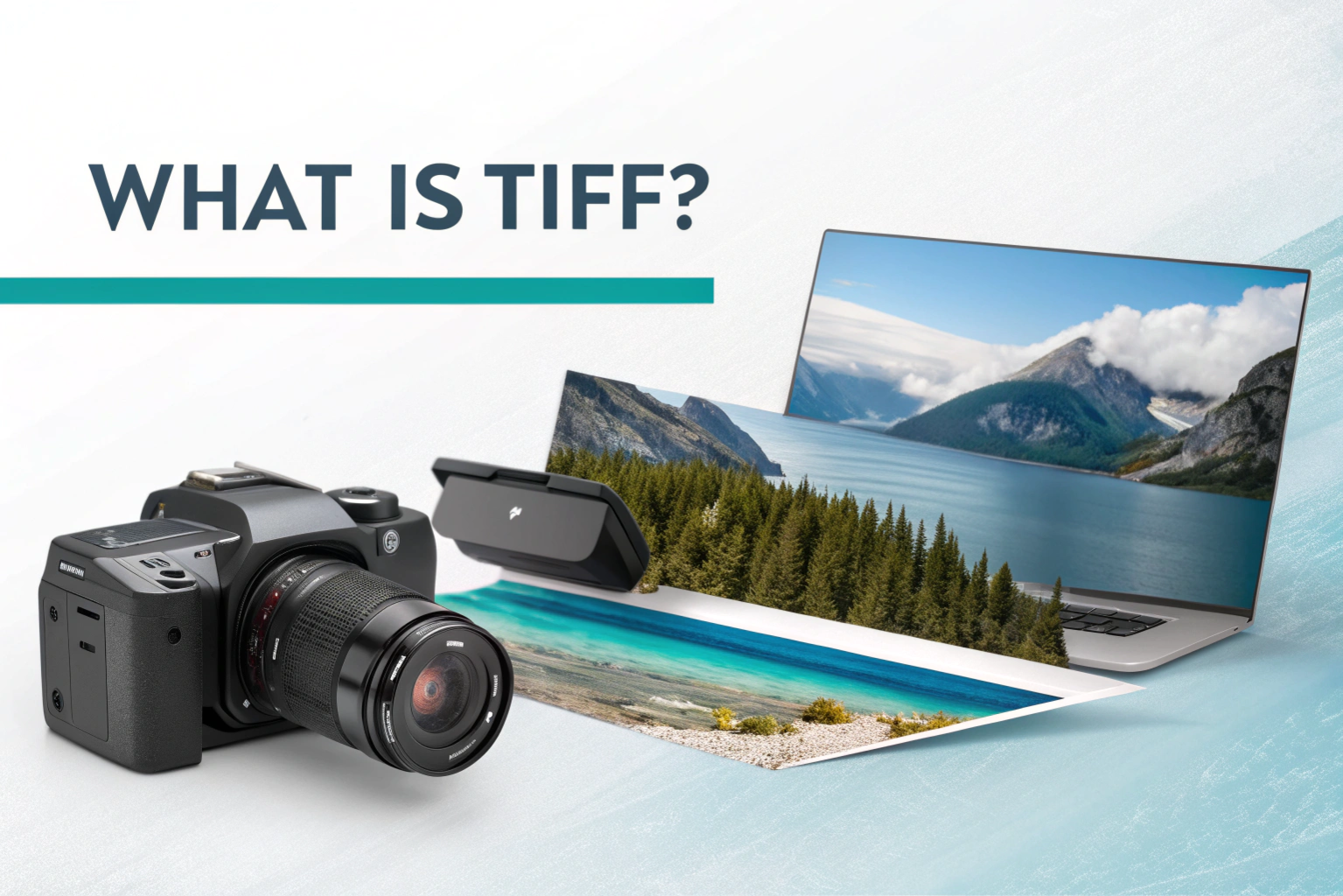

What is TIFF? TIFF stands for Tagged Image File Format. It is a popular image file format that is mainly used to store high-quality images without losing detail. TIFF files are known for keeping images clear, sharp, and close to their original quality, which is why they are widely used in professional work.
Why TIFF files are used
TIFF files are used because they offer excellent image quality. Unlike some other image formats, TIFF does not heavily compress images, so important details are not lost. This makes TIFF a great choice for photography, scanning documents, graphic design, and printing.
Another reason TIFF is popular is its flexibility. It supports multiple colors, layers, and even multiple images in a single file. Because of this, professionals often choose TIFF when they need accuracy, clarity, and long-term image storage.
What Is a TIFF File?
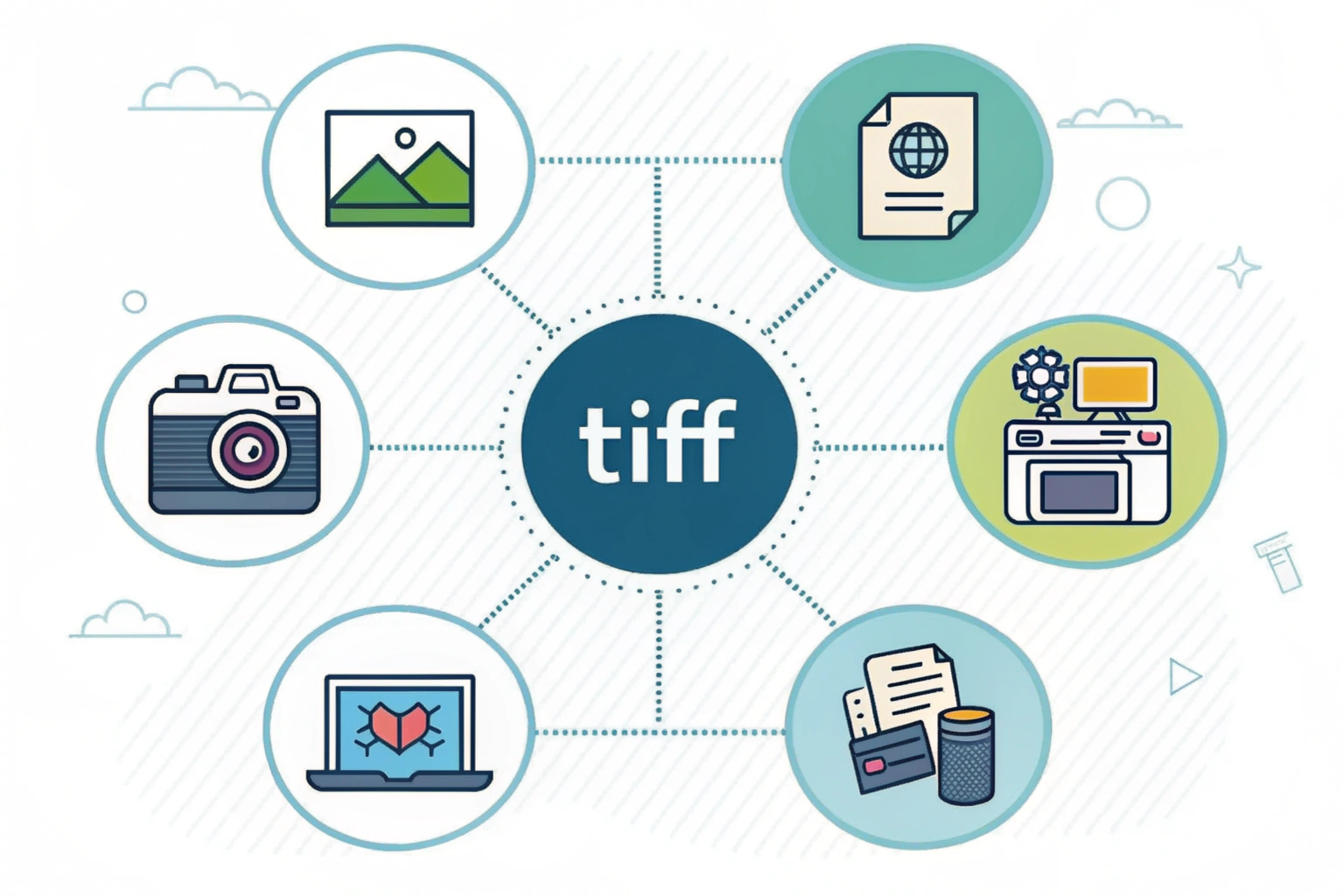
A TIFF file is an image file format that is used to store pictures in very high quality. It keeps images clear and detailed, making it a preferred choice when image accuracy really matters. Unlike some formats that reduce image quality to save space, TIFF files focus on preserving the original look of an image.
Definition of a TIFF file
A TIFF file is a raster image file format designed to store images with little to no loss in quality. It can be saved without compression or with lossless compression, which means the image stays sharp even after saving or editing multiple times. Because of this, TIFF files are commonly used in professional environments where quality is more important than file size.
Common uses of TIFF files
TIFF files are widely used in photography, especially for storing original or edited images before final export. They are also popular for scanning documents, as they capture fine details clearly. In addition, TIFF files are used in graphic design, publishing, and printing, where high resolution and color accuracy are essential.
What Is TIFF Format?
The TIFF format is an image format designed to store pictures with maximum clarity and detail. It is widely used when image quality matters more than file size. The TIFF format is flexible and works well across different devices and software, which is why professionals trust it for important image files.
How TIFF format works
TIFF format works by saving image data along with extra information called tags. These tags store details like image size, color depth, resolution, and compression type. Because of this, TIFF images can be opened and edited in many programs without losing quality. The format is especially useful for editing because you can make changes multiple times without damaging the original image.
Lossless and uncompressed TIFF
TIFF files can be saved in two main ways. Lossless TIFF uses smart compression that reduces file size without removing image details. The image looks exactly the same as the original. Uncompressed TIFF does not compress the image at all, which means the file size is larger but the quality remains perfect. Both options are ideal when you need high-quality images for printing, design, or long-term storage.
Key Features of TIFF Files
TIFF files come with several powerful features that make them a favorite for professional and high quality image work. These features focus on preserving image details and giving users more control over how images are stored and used.
High image quality
One of the biggest features of TIFF files is their high image quality. TIFF files store images with very little or no compression, which means the picture stays clear and sharp. Colors remain accurate, fine details are preserved, and there is no noticeable loss in quality even after editing the image multiple times. This makes TIFF ideal for photography, design, and printing.
Multiple pages and metadata
TIFF files can store multiple pages inside a single file. This is especially useful for scanned documents, where several pages can be saved together instead of as separate images. TIFF also supports metadata, which is extra information about the image such as resolution, color settings, date created, and camera details. This metadata helps professionals manage, organize, and print images correctly.
Advantages and Disadvantages of TIFF
TIFF files are known for their quality and flexibility, but like any file format, they have both strengths and weaknesses. Understanding these can help you decide when TIFF is the right choice and when another format might work better.
Benefits of using TIFF
One major benefit of using TIFF is its excellent image quality. TIFF files keep images sharp and detailed, which makes them perfect for professional editing and printing. They also support lossless saving, so the image does not lose quality even after multiple edits.
Another advantage is flexibility. TIFF files can store layers, multiple pages, and detailed metadata. This makes them useful for scanned documents, design work, and long term image storage where accuracy matters.
Limitations of TIFF files
The biggest limitation of TIFF files is their large file size. Because they are not heavily compressed, they take up more storage space compared to formats like JPG or PNG. This can make them slower to upload or share online.
TIFF files are also not ideal for the web. Many websites and apps prefer lighter formats, so TIFF is mostly used behind the scenes rather than for online display.
TIFF vs Other Image Formats
Choosing the right image format depends on how you plan to use the file. TIFF, JPG, PNG, and PDF all serve different purposes, and understanding the differences makes things much easier.
TIFF vs JPG
TIFF files focus on high image quality, while JPG files focus on smaller file size. JPG compresses images, which helps save space but can reduce quality. TIFF does not lose detail, which makes it better for editing and printing. JPG is ideal for websites and sharing online, while TIFF is better for professional work.
TIFF vs PNG
Both TIFF and PNG offer good image quality, but they are used differently. PNG files are commonly used on the web and support transparency with smaller file sizes. TIFF files are more powerful and flexible, especially for large images, multiple pages, and metadata. PNG is great for logos and graphics, while TIFF is better for high resolution images and print projects.
TIFF vs PDF
TIFF and PDF are often used for documents, but they are not the same. TIFF is an image format that stores pictures, while PDF is a document format that can contain text, images, and layouts. TIFF is commonly used for scanned images, while PDF is better for sharing and viewing documents across different devices.
Where Are TIFF Files Commonly Used?
TIFF files are mostly used in areas where image quality is more important than file size. Because they preserve details so well, they are trusted by professionals who need accurate and reliable images.
Photography and design
In photography, TIFF files are often used to store original or edited photos. Photographers prefer TIFF because it keeps colors natural and details sharp, even after multiple edits. In graphic design, TIFF is used for creating high resolution images for magazines, posters, and marketing materials where quality really matters.
Scanning and printing
TIFF files are widely used for scanning documents and images. Scanners often save files in TIFF format because it captures text and fine details clearly. In printing, TIFF is a popular choice because it supports high resolution and accurate color settings, helping printed results match the original design.
What Is a TIFF to JPG Converter?
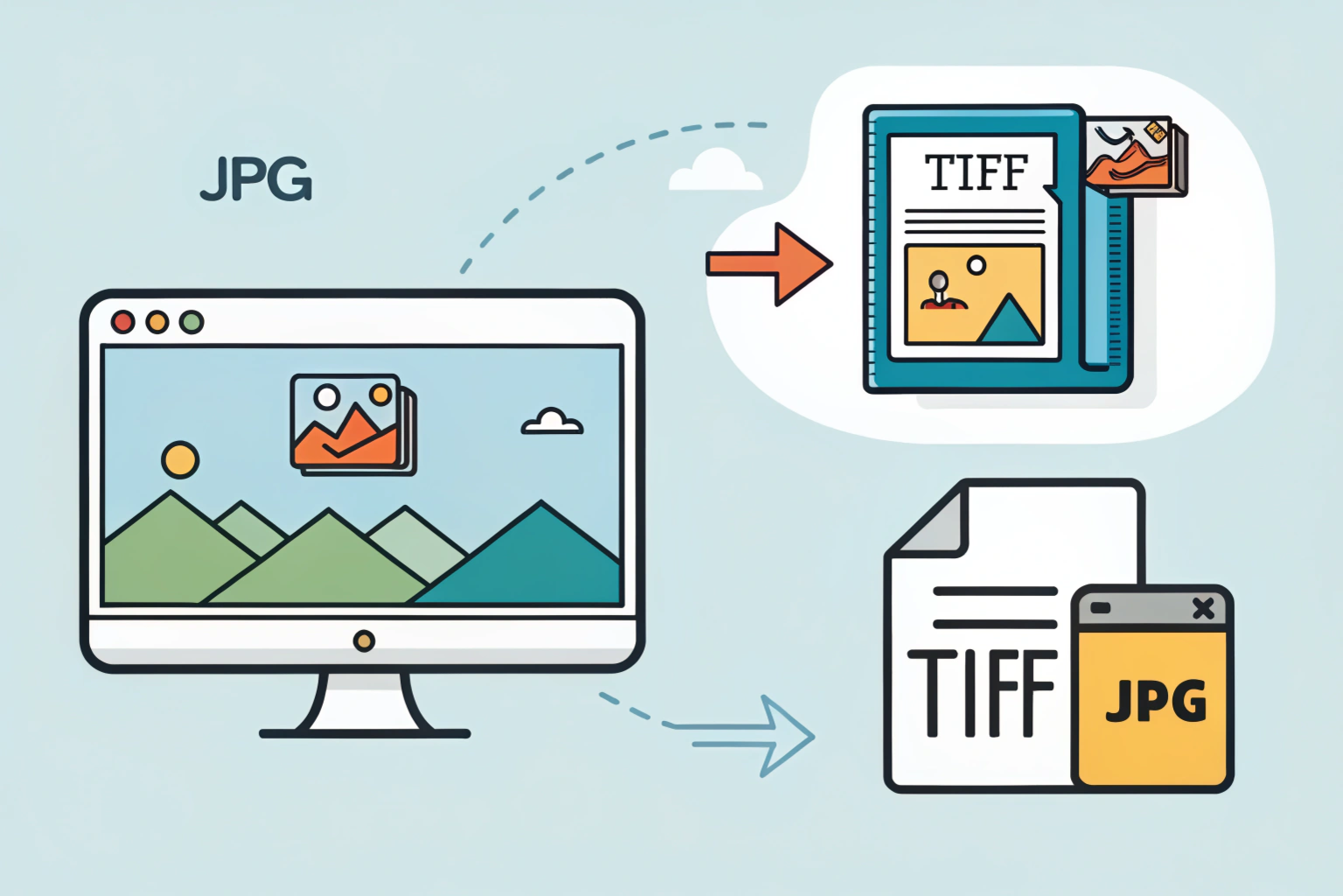
A TIFF to JPG converter is a tool that changes TIFF images into JPG format. It helps reduce file size while keeping the image easy to view, share, and upload. Since TIFF files are usually large, converting them to JPG makes them more practical for everyday use.
Why convert TIFF to JPG
The main reason to convert TIFF to JPG is convenience. JPG files are much smaller and work smoothly on websites, emails, and social media. They also open easily on almost every device without needing special software. When you no longer need the original high quality TIFF, JPG becomes a better option for sharing and storage.
Online and software converters
You can convert TIFF to JPG using online converters or software tools. Online converters are quick and easy, especially when you want fast results without installing anything. Software converters are useful when you need more control or want to convert multiple files at once. Both options make the conversion process simple, even for beginners.
How to Convert TIFF to JPG
Converting a TIFF file to JPG is simple and does not require advanced technical skills. You can do it directly on your computer or use an online tool, depending on what feels easiest for you.
Convert TIFF to JPG on Windows, Mac, and online
On Windows, you can open the TIFF file using the Photos app or Paint. Once the image is open, choose the Save As option and select JPG as the file format. This method works well for quick and basic conversions.
On Mac, open the TIFF file in the Preview app. Click on File, then Export, and choose JPG from the format list. You can also adjust the image quality before saving, which helps control the file size.
For online conversion, upload your TIFF file to a trusted TIFF to JPG converter website. Select JPG as the output format and download the converted image. This option is great when you want fast results without installing any software.
Conclusion
TIFF files are a powerful image format designed for situations where quality matters the most. From professional photography and design to scanning and printing, TIFF offers excellent clarity, flexibility, and reliability. It may not be the best choice for everyday sharing because of its large file size, but it plays an important role behind the scenes in many professional workflows.
When you need to share images easily or save storage space, converting TIFF to JPG is a smart solution. With simple tools available on Windows, Mac, and online, the conversion process is quick and beginner friendly. By understanding when to use TIFF and when to convert it, you can choose the right format for every situation with confidence.
Need to Compress or Convert Files?
Try CompressNow.in - Free, Fast & Secure file compression and conversion tools!

Author Bio – Tanishk Singh
Tanishk Singh is a Digital Marketing Strategist, SEO Specialist, and Web Technology Expert with over 4+ years of hands-on experience in building, ranking, and monetizing high-performance web platforms.
He has helped scale organic traffic for multiple education and SaaS websites, including increasing Shoolini Online’s SEO traffic from 800 to 20,000+ users in just 2.5 months using advanced content architecture, AI-driven SEO, and Google SGE optimization.
Tanishk specializes in creating AI-powered web tools, performance-optimized platforms, and SEO-focused websites that rank, convert, and generate consistent revenue.