
What is BMP?
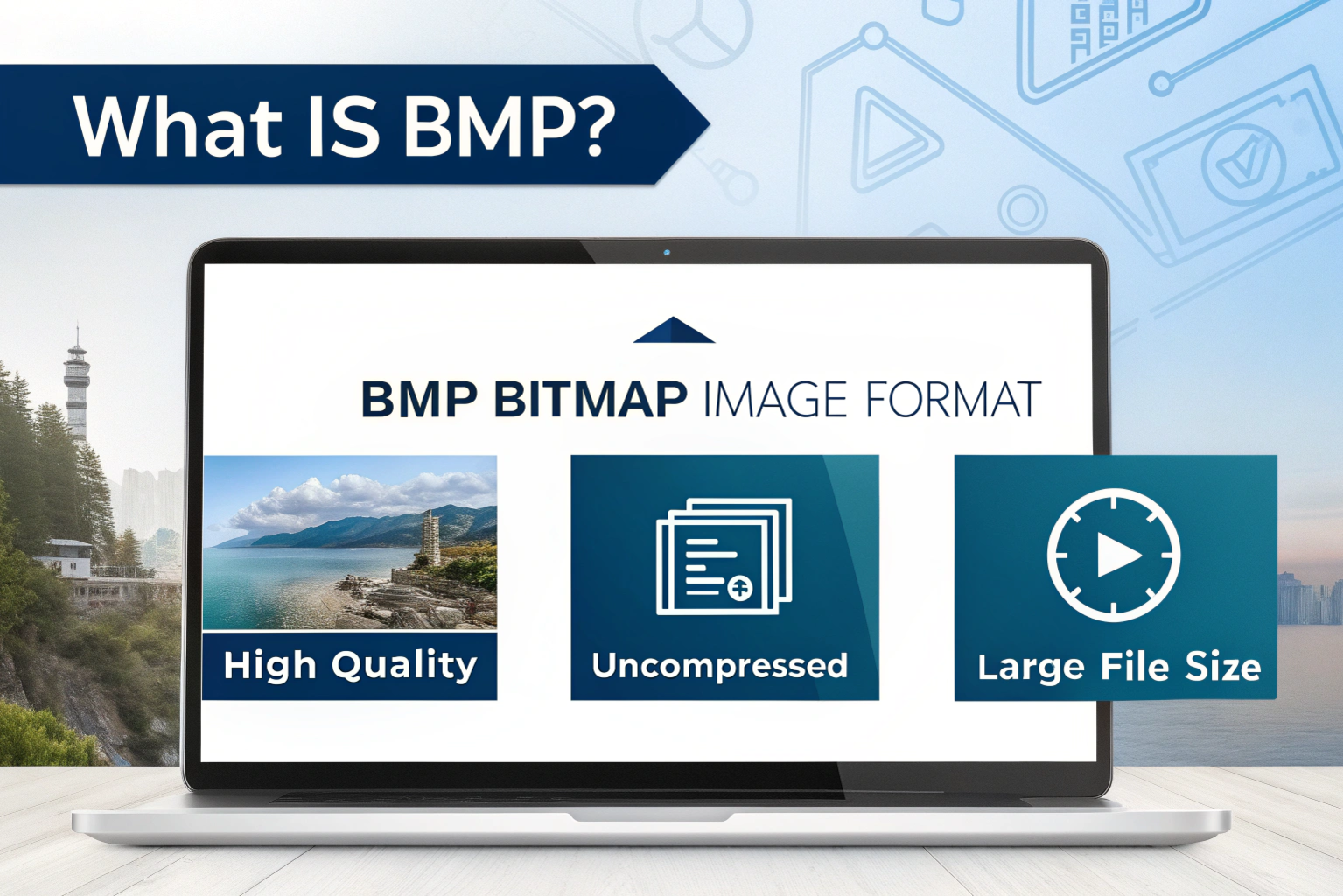
BMP is a Bitmap Image File format mainly used in Windows to store high-quality images without losing any details. Unlike formats such as JPG or WebP, a BMP file does not compress the image, which means every tiny pixel is stored exactly as it is. This helps the image maintain sharpness, accuracy, and original quality. Because of this, BMP files look extremely clear and professional, but they also become very large in file size.
The BMP format was created to ensure images display consistently on different Windows devices, making it a trusted and reliable image format for years. Even though modern formats like JPG and PNG are more common today, BMP is still widely used in fields where image clarity, precision, and quality are more important than file size, such as designing, printing, medical imaging, and technical graphics.
If you are someone who deals with high-quality images or professional graphics, understanding BMP is very important, and this guide will help you learn everything about it — how it works, its features, benefits, drawbacks, uses, and even how to convert BMP to JPG easily.
What Does BMP Stand For & Its History
BMP stands for Bitmap, which simply means an image created from a map of bits (tiny dots called pixels). Each pixel contains color information, and when all pixels combine, they form a complete image.
Microsoft developed the BMP format many years ago so that images could display perfectly on Windows devices. During the early days of computers, there were not many advanced image formats available, so BMP became extremely popular and was widely used.
Over time, newer formats like JPG, PNG, TIFF, and WebP were introduced, offering better compression and smaller file sizes. Still, BMP is supported by almost all devices today because of its simplicity, stability, and reliability.
How BMP Format Works
The main reason BMP stands out is that it stores images without compression. To understand this easily:
JPG reduces size by removing some data → smaller file size, slight quality loss
BMP keeps every pixel exactly as it is → bigger file size, perfect quality
So, when you save an image as BMP, nothing is removed. Every detail, every pixel, every color remains intact. This is why BMP images are extremely accurate.
But because it stores so much raw data, BMP files can become very heavy, sometimes even several times larger than JPG or PNG. This makes BMP less suitable for online use but excellent for editing, designing, and printing.
Key Features of BMP Format
The BMP format is mainly known for its ability to preserve image quality without losing any details. Unlike compressed image formats such as JPG, BMP stores images in their raw and uncompressed form. This means every single pixel in the image is saved exactly as it appears, which results in crystal-clear and highly detailed images. Because of this, BMP is widely trusted in fields where accuracy and clarity are essential.
Another important feature of BMP is its strong compatibility. It works smoothly across almost all major operating systems, including Windows, macOS, Android, and iOS, as well as most photo editing software. This makes BMP a reliable option for professionals, developers, and designers who want an image format that can be opened anywhere without compatibility issues.
BMP also supports multiple color depths, allowing it to handle both simple graphics and highly detailed, colorful images. Its file structure is very simple, which makes it easy for software programs and developers to work with it, process it, and modify it. Because the format captures every detail accurately, it is often used in designing, printing, technical imaging, and professional editing where precision matters more than file size.
In short, the key feature of BMP is its focus on quality, clarity, and reliability. Even though it results in large file sizes, it remains a powerful format whenever original image quality must be preserved without compromise.
Where Are BMP Files Commonly Used?
BMP files are commonly used in situations where image quality and accuracy are more important than file size. One of the biggest areas where BMP is used is graphic designing and professional image editing. Since BMP stores images without compression, designers prefer it when working on detailed visuals because it keeps every pixel clear and sharp, making edits easier and more precise.
BMP is also widely used in the printing industry. Printers often require high-resolution images to produce sharp and professional-quality prints, and BMP files are perfect for this purpose because they retain every detail. Another major use of BMP is in Windows systems. Many Windows applications, system graphics, icons, wallpapers, and internal visual elements are saved in BMP format because it is highly reliable and fully compatible with the Windows environment.
Apart from everyday use, BMP is also seen in technical and professional fields such as medical imaging, engineering, and scientific research. In these areas, accuracy is extremely important, and even a slight quality loss can cause problems. That is why BMP is preferred, as it stores images in their purest form.
So, even though BMP is not commonly used for websites, social media, or casual sharing, it still plays an important role behind the scenes in industries where image clarity and precision truly matter.
BMP to JPG Converter
A BMP to JPG converter is a tool that helps you change large BMP image files into lighter and more web-friendly JPG format. Since BMP files are uncompressed, they take up a lot of storage space and are difficult to upload, share, or use on websites. On the other hand, JPG uses compression, which means it reduces file size while still maintaining good image quality. That’s why many people convert BMP to JPG to make images easier to handle.
Converting BMP to JPG is a very simple process and can be done in different ways. The easiest option is using online converters, where you just upload your BMP file, select JPG as the output format, and download the converted image. Websites like Convertio, Online-Convert, and iLoveIMG are commonly used for this purpose and work directly from your browser without installing software.
If you are using a Windows computer, you can also convert BMP to JPG using Microsoft Paint. Simply open the BMP file in Paint, click on “Save As,” choose JPG format, and save it. This method is fast and works offline. Professional users can use photo editing software like Photoshop or GIMP, which give more control over image quality and compression levels. Mobile users can also rely on Android and iPhone apps that convert BMP to JPG in just a few taps.
Overall, using a BMP to JPG converter is helpful when you want smaller file sizes, faster uploads, better compatibility, and smoother sharing. It keeps the image usable while saving space and improving performance, especially for websites, blogs, and everyday use.
Conclusion
In conclusion, the BMP format is still an important image type, especially in situations where image quality, accuracy, and clarity are more important than file size. It preserves every pixel without compression, which makes it highly reliable for professional fields like designing, printing, medical imaging, and technical research. Even after the rise of modern image formats, BMP continues to be trusted because of its stability and ability to deliver pure, high-quality visuals.
However, for everyday use—such as uploading images to websites, sharing on social media, saving storage space, or improving loading speed—formats like JPG, PNG, and WebP are usually better choices. This is why many users often convert BMP to JPG to make files lighter and easier to manage.
Need to Compress or Convert Files?
Try CompressNow.in - Free, Fast & Secure file compression and conversion tools!

Author Bio – Tanishk Singh
Tanishk Singh is a Digital Marketing Strategist, SEO Specialist, and Web Technology Expert with over 4+ years of hands-on experience in building, ranking, and monetizing high-performance web platforms.
He has helped scale organic traffic for multiple education and SaaS websites, including increasing Shoolini Online’s SEO traffic from 800 to 20,000+ users in just 2.5 months using advanced content architecture, AI-driven SEO, and Google SGE optimization.
Tanishk specializes in creating AI-powered web tools, performance-optimized platforms, and SEO-focused websites that rank, convert, and generate consistent revenue.