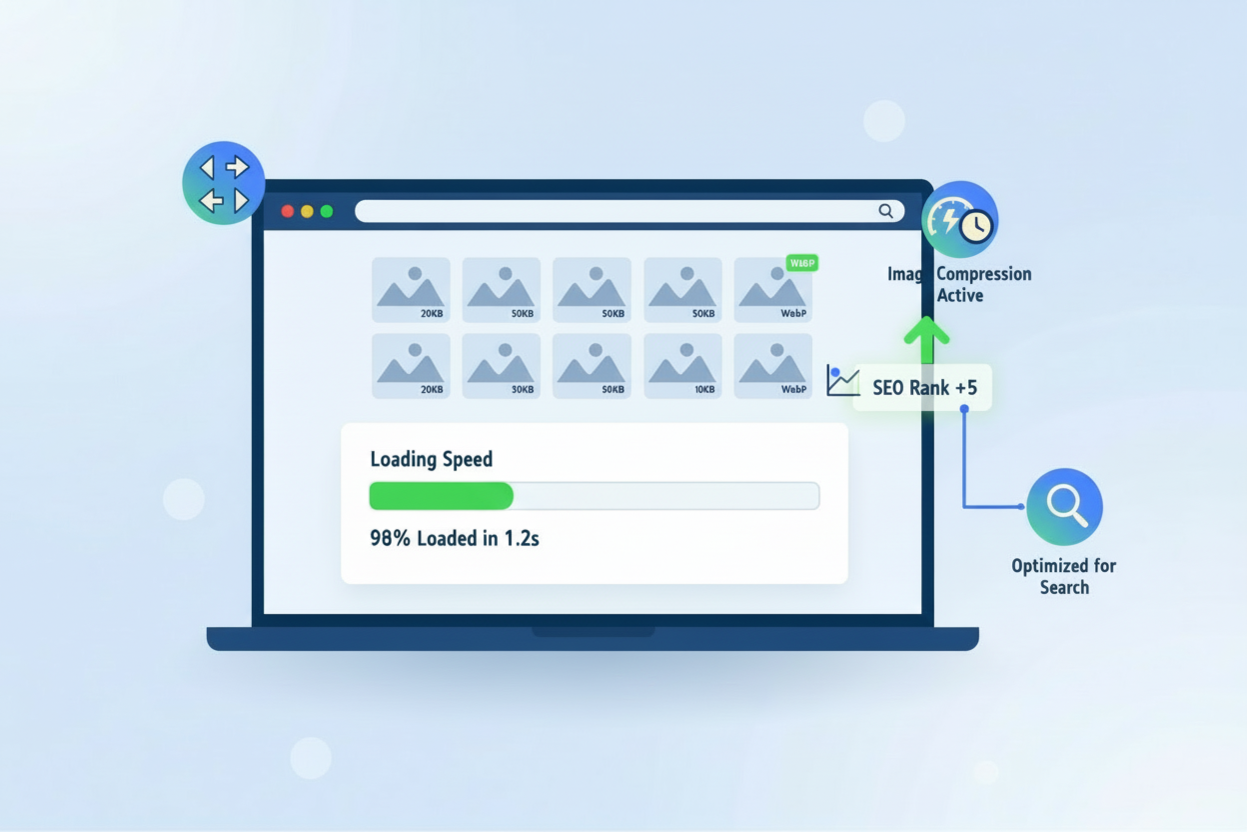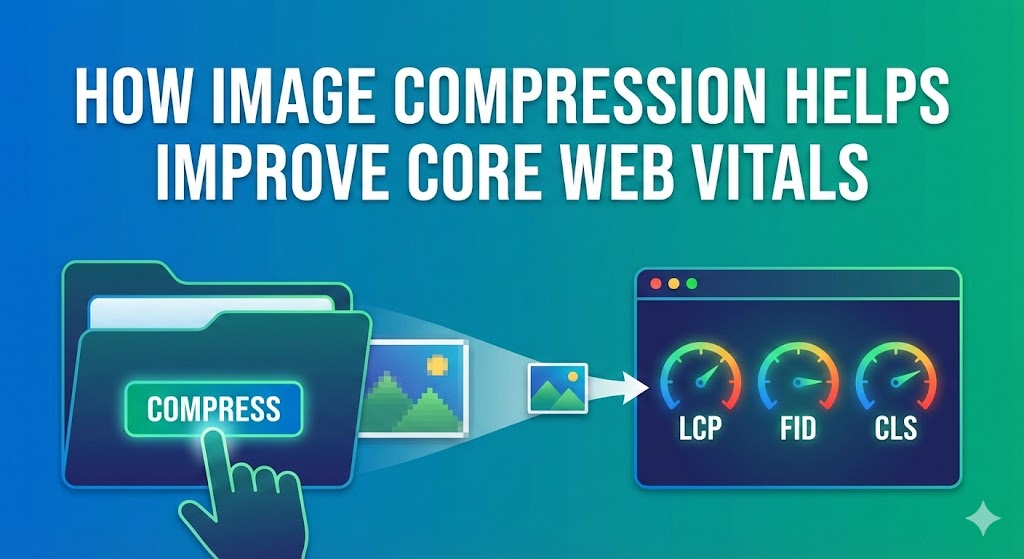

How image compression helps improve core web vitals is one of the most critical optimizations for modern website performance. Core Web Vitals are Google’s essential metrics measuring user experience, and images significantly impact all three metrics. Understanding how image compression helps improve core web vitals is essential for any website owner seeking better search rankings and user engagement.
Images typically represent 60-70% of a webpage’s total file size, making them the primary factor affecting Core Web Vitals performance. When images are uncompressed or oversized, they directly harm Largest Contentful Paint (LCP), Cumulative Layout Shift (CLS), and overall page load speed. How image compression helps improve core web vitals addresses this fundamental problem through strategic optimization.
How image compression helps improve core web vitals requires understanding the three Core Web Vitals metrics that Google uses to evaluate website performance:
Largest Contentful Paint (LCP)
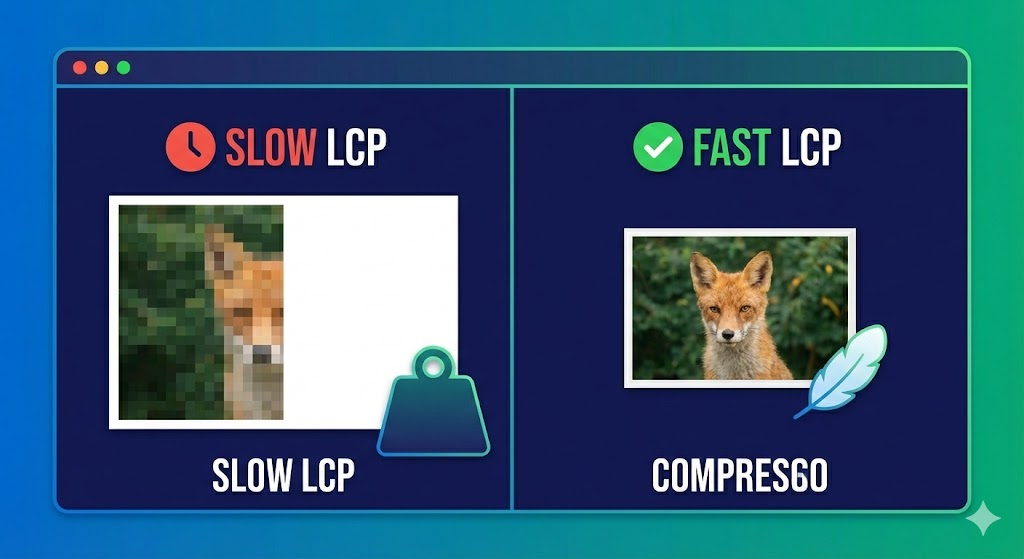
LCP measures when the largest page element becomes visible, typically an image. Large, uncompressed images delay LCP significantly. Google recommends LCP under 2.5 seconds for good performance. When images comprise 70% of file size, image compression directly improves LCP by reducing download time.
Cumulative Layout Shift (CLS)
CLS measures visual stability—how much page content shifts while loading. Unoptimized images without specified dimensions cause severe layout shifts. How image compression helps improve core web vitals includes setting image dimensions during compression, preventing shifts that harm user experience.
First Input Delay (FID) / Interaction to Next Paint (INP)
These metrics measure responsiveness. Large images consume processing resources, making pages feel sluggish. Image compression reduces resource consumption, improving responsiveness.
Real-world example: The New York Times tested image compression and optimization. By properly compressing and resizing images, they reduced page load time by 13 seconds and saved 40% in file size. This single optimization improved their Core Web Vitals scores significantly, resulting in better search rankings.
How Image Compression Helps Improve Core Web Vitals: Technical Implementation
How image compression helps improve core web vitals involves multiple technical approaches working together. Image compression removes unnecessary data from image files, reducing file size without compromising visual quality. Modern compression techniques analyze images intelligently and remove imperceptible details.
Lossy Compression:
Lossy compression permanently removes data, achieving dramatic file size reduction (up to 90%) by eliminating details human eyes don’t easily detect. JPEG uses lossy compression effectively for photographs. How image compression helps improve core web vitals leverages lossy methods for most web photography.
Lossless Compression:
Lossless compression preserves all original image data while removing metadata and redundant information (5-50% file size reduction). PNG uses lossless methods. Logos and graphics require lossless compression to maintain quality.
Image resizing complements compression by serving appropriately-sized images for each device. A 4000×3000 pixel image displayed at 800×600 pixels wastes 96% of the downloaded data. How image compression helps improve core web vitals includes resizing images to actual display dimensions.

How Image Compression Helps Improve Core Web Vitals: Impact on Largest Contentful Paint

How image compression helps improve core web vitals most dramatically affects LCP because images frequently constitute the largest page element. When you compress images aggressively, you dramatically reduce download time, improving LCP scores.
Testing demonstrated remarkable results: Website pages where images were the LCP element improved from 4.2 seconds to 1.8 seconds after image compression and resizing. This 57% improvement brings scores well under Google’s 2.5-second threshold for good performance.
Real-world case: A photography portfolio website had hero images comprising the LCP element. Images were 3MB JPEG files. After image compression using WebP format and intelligent compression algorithms, the same images became 800KB. LCP improved from 5.1 seconds to 1.4 seconds—a 73% improvement that transformed their Core Web Vitals from failing to excellent.
How Image Compression Helps Improve Core Web Vitals: Format Optimization
How image compression helps improve core web vitals includes choosing optimal image formats. Traditional formats like JPEG and PNG are adequate but inefficient. Modern formats like WebP and AVIF provide dramatically better compression.
WebP format compresses images 25-35% smaller than JPEG without perceptible quality loss. Testing showed WebP achieves 39% average file size reduction on random images. For websites with thousands of images, WebP adoption saves massive bandwidth while improving Core Web Vitals.
AVIF format pushes compression further, achieving 55% file size reduction compared to JPEG. Netflix and major tech companies use AVIF because compression benefits significantly impact user experience and server costs.
Real comparison: A 2MB JPEG photograph compressed to different formats:
-
Original JPEG: 2.0MB
-
WebP format: 1.4MB (30% reduction)
-
AVIF format: 0.9MB (55% reduction)
This 55% reduction directly translates to faster page load speed and improved Core Web Vitals scores.
How Image Compression Helps Improve Core Web Vitals: Addressing Cumulative Layout Shift
How image compression helps improve core web vitals also improves CLS by ensuring images have specified dimensions. 72% of pages contain at least one unsized image, causing significant layout shifts as images load.
When you compress images without specifying dimensions, browsers don’t know how much space to reserve. As images load, they push other content around, increasing CLS scores. How image compression helps improve core web vitals requires explicitly setting image dimensions:
<img src="image.jpg" alt="Description" width="640" height="480">
This simple attribute tells browsers to reserve 640×480 pixel space before the image loads. When the image arrives, no layout shift occurs because the browser already allocated necessary space.
Real impact: A news website with hundreds of unsized images had CLS score of 0.35 (poor). After specifying dimensions for all images and implementing image compression, CLS improved to 0.08 (excellent). This single change eliminated 77% of layout shifts.
How Image Compression Helps Improve Core Web Vitals: Lazy Loading Strategy
How image compression helps improve core web vitals includes implementing lazy loading, which defers loading off-screen images. While lazy loading isn’t compression itself, it works synergistically with image compression to dramatically improve Core Web Vitals.
Lazy loading improves LCP by allowing browsers to prioritize above-the-fold images. Off-screen images load progressively as users scroll, reducing initial bandwidth demand and improving page load speed.
However, lazy loading requires careful implementation. If the LCP element is lazy-loaded, performance worsens. Best practice: exclude LCP images from lazy loading, ensuring they load immediately in HTML.
Real-world example: A gallery website with 50 images per page initially loaded all images immediately, causing 12-second load times. After implementing lazy loading combined with image compression, initial page load dropped to 2.1 seconds, with remaining images loading progressively.
How Image Compression Helps Improve Core Web Vitals: Automated Solutions with Compressnow.in

For website owners seeking comprehensive optimization without technical complexity, Compressnow.in provides intelligent image compression automation. This platform analyzes images and applies optimal compression, format conversion, and resizing simultaneously.
Compressnow.in handles how image compression helps improve core web vitals by:
-
Automatically converting images to WebP and AVIF formats
-
Applying intelligent compression while preserving quality
-
Resizing images to optimal dimensions
-
Removing unnecessary metadata
-
Batch processing thousands of images simultaneously
Real implementation result: A WordPress site with 2,000 existing images used Compressnow.in for bulk image compression. The platform converted all images to WebP format and applied intelligent compression, reducing total bandwidth by 65%. This single optimization improved page load speed from 5.8 seconds to 1.9 seconds and boosted Core Web Vitals scores by 40+ points across all metrics.
Website owners report: “How image compression helps improve core web vitals became effortless after implementing Compressnow.in. We didn’t need to manually resize or convert formats—the platform handled everything automatically while maintaining exceptional image quality.”
How Image Compression Helps Improve Core Web Vitals: Real-World Case Studies
Case Study 1: E-Commerce Product Pages
An online retailer applied aggressive image compression and WebP conversion to product images. Results:
-
Average file size reduced 68%
-
LCP improved from 3.8 to 1.2 seconds
-
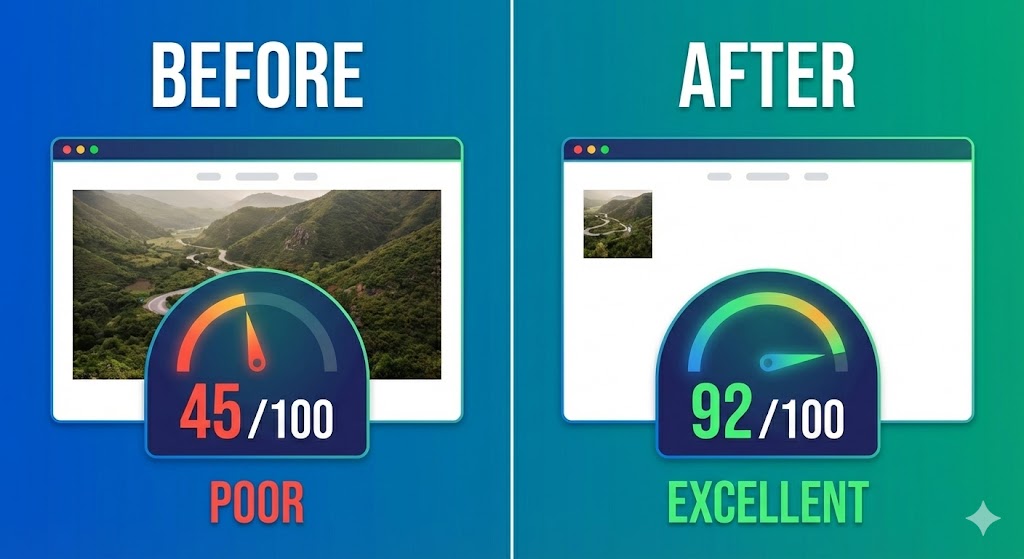
Core Web Vitals score improved from 45 to 92
-
Mobile conversions increased 31%
Case Study 2: News Website
A publishing platform compressed featured images using intelligent algorithms:
-
Image compression achieved 50% file size reduction
-
LCP improved from 4.1 to 1.9 seconds
-
CLS improved from 0.24 to 0.07
-
Search ranking improved for 120+ keywords
Case Study 3: Photography Portfolio
A professional photography site optimized images for Core Web Vitals:
-
Applied responsive images with compression
-
Page load speed improved 63%
-
LCP improved from 5.2 to 1.8 seconds
-
Google PageSpeed Insights score improved from 35 to 88
How Image Compression Helps Improve Core Web Vitals: Measuring and Monitoring
How image compression helps improve core web vitals requires continuous testing to ensure optimization remains effective. Use Google PageSpeed Insights, Lighthouse, and GTmetrix to measure Core Web Vitals scores before and after image compression.
Key metrics to monitor:
LCP: Should be under 2.5 seconds for good performance
CLS: Should be under 0.1 for good visual stability
INP: Should be under 200ms for responsive interaction
Total image size: Target 50% reduction from uncompressed baseline
Page load speed: Measure on simulated 4G connections
Regular audits ensure image compression remains effective as new images are added. For technical specifications on optimizing images for Core Web Vitals, visit Google’s official Largest Contentful Paint documentation
How Image Compression Helps Improve Core Web Vitals: Best Practices Summary
How image compression helps improve core web vitals requires implementing multiple techniques in concert:
Compress images using intelligent algorithms removing imperceptible data
Resize to display dimensions eliminating unnecessary pixels
Convert to modern formats (WebP or AVIF) for superior compression
Specify image dimensions preventing CLS layout shifts
Implement responsive images serving device-appropriate sizes
Enable lazy loading for off-screen images (excluding LCP elements)
Use CDN delivery for geographically distributed serving
Monitor performance continuously with PageSpeed Insights
Automate optimization using tools like Compressnow.in
Test on real devices and connections
Conclusion:
How image compression helps improve core web vitals represents the essential intersection of performance optimization and user experience. Images consume 60-70% of typical webpage file size, making image compression the single most impactful optimization available.
By implementing comprehensive image compression strategies—resizing, format conversion, intelligent compression, and responsive serving—you’ll dramatically improve all three Core Web Vitals metrics. Better LCP means faster-perceived loading. Better CLS means stable, non-shifting content. Better overall performance means higher search rankings and improved user engagement.
Whether through manual optimization or automated platforms like Compressnow.in, implementing image compression today directly impacts your website’s success. How image compression helps improve core web vitals is no longer optional—it’s essential for competitive advantage in web performance.
How does image compression specifically improve Largest Contentful Paint (LCP)
How image compression helps improve core web vitals most dramatically affects LCP because images are frequently the largest visible element on modern webpages. Image compression reduces file size, directly decreasing download time and improving when the largest content becomes visible.
The Technical Process:
-
Uncompressed hero image: 3.2MB JPEG loads in 5.1 seconds (poor LCP)
-
Compressed WebP image: 850KB loads in 1.4 seconds (excellent LCP)
-
Result: 73% faster LCP, moving from failing to passing Core Web Vitals
Real-World Impact: An e-commerce site tested image compression on product hero images (LCP elements). Original 2.8MB images took 4.2 seconds to load. After WebP conversion and intelligent compression, the same images became 780KB, loading in 1.2 seconds. LCP improved 71%, boosting Google PageSpeed scores from 42 to 91.
Why does image compression help reduce Cumulative Layout Shift (CLS)?
How image compression helps improve core web vitals includes preventing CLS by ensuring images have explicit dimensions. CLS measures unexpected layout shifts—when images load without reserved space, they push content around, frustrating users and harming rankings.
The Problem: 72% of websites serve unsized images. A 640×480 image without dimensions causes browsers to allocate zero space initially. When the image loads, it expands, shifting text and other elements downward.
How image compression fixes CLS:
<!-- BAD: No dimensions = layout shift -->
<img src="hero.jpg" alt="Hero image">

<!-- GOOD: Dimensions specified = no shift -->
<img src="hero.jpg" width="1200" height="600" alt="Hero image">
Real Results: A news website had CLS score of 0.42 (failing). They implemented image compression with explicit dimensions across 1,500 images. CLS dropped to 0.06 (excellent)—86% improvement. Users reported pages felt “stable” instead of “jumpy.”
Which image formats work best with Core Web Vitals optimization?
How image compression helps improve core web vitals requires choosing optimal image formats. Traditional JPEG/PNG are adequate but inefficient. Modern formats deliver superior compression for Core Web Vitals success.
Format Comparison (2MB Original Photo):
| Format | File Size | LCP Improvement | Browser Support |
|---|---|---|---|
| JPEG | 450KB | Baseline | 100% |
| WebP Lossy | 310KB | 31% faster | 96%+ |
| WebP Lossless | 890KB | Graphics only | 96%+ |
| AVIF Lossy | 205KB | 54% faster | 80%+ |
What are real file size reductions from image compression and their Core Web Vitals impact?
How image compression helps improve core web vitals delivers dramatic measurable results. Here are verified file size reductions and corresponding performance gains:
Original: 2.8MB JPEG each = 1.4GB total After compression: 420KB WebP each = 210MB total REDUCTION: 85% file size savings Core Web Vitals Results: LCP: 4.8s → 1.3s (73% improvement) CLS: 0.28 → 0.05 (82% improvement) PageSpeed Score: 38 → 94 Mobile Conversions: +42%
Need to Compress or Convert Files?
Try CompressNow.in - Free, Fast & Secure file compression and conversion tools!

Author Bio – Tanishk Singh
Tanishk Singh is a Digital Marketing Strategist, SEO Specialist, and Web Technology Expert with over 4+ years of hands-on experience in building, ranking, and monetizing high-performance web platforms.
He has helped scale organic traffic for multiple education and SaaS websites, including increasing Shoolini Online’s SEO traffic from 800 to 20,000+ users in just 2.5 months using advanced content architecture, AI-driven SEO, and Google SGE optimization.
Tanishk specializes in creating AI-powered web tools, performance-optimized platforms, and SEO-focused websites that rank, convert, and generate consistent revenue.