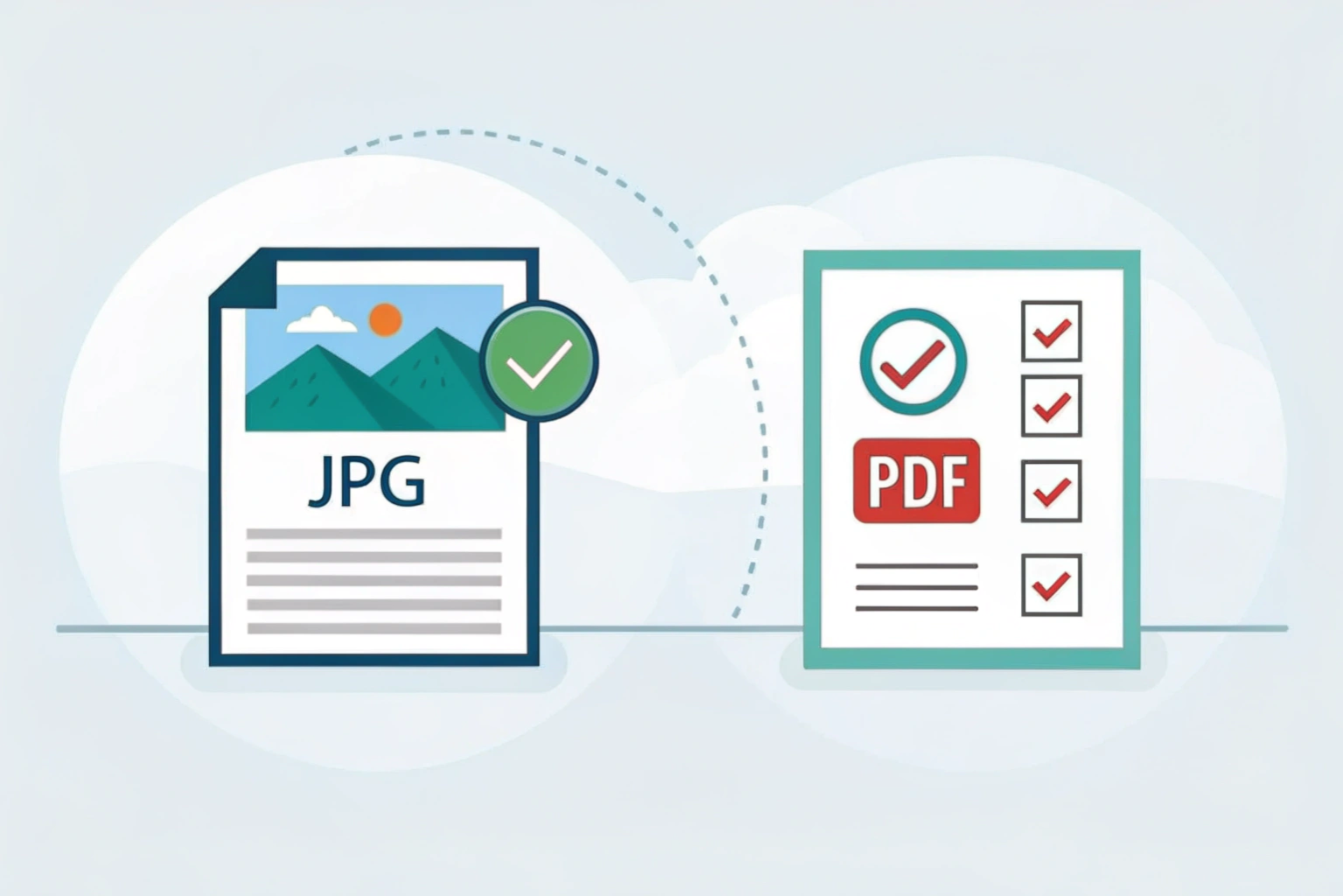

Difference between jpg and pdf is a common topic because both formats are used almost everywhere in daily digital work. From students and bloggers to office professionals, many people get confused about when to use JPG and when PDF is the better option.
Why people compare JPG and PDF
People usually compare JPG and PDF because both are used to share images and documents. A JPG file is mainly used for photos and images, while a PDF is used for documents like notes, forms, resumes, and ebooks. Still, both can look similar when opened on a screen, which is why users often wonder what the real difference between JPG and PDF is and which one they should choose.
When choosing the right file format matters
Choosing the right format really matters when you want good quality, easy sharing, or proper printing. For example, JPG files are lightweight and great for websites and social media. On the other hand, PDF files keep the layout, text, and images exactly the same on every device. Understanding the difference between JPG and PDF helps you avoid issues like blurry images, formatting problems, or files that are hard to edit or print.
What Is a JPG File?
Difference between jpg and pdf becomes clearer when you first understand what a JPG file is. A JPG also written as JPEG is a popular image file format mainly used for photos and graphics. It is designed to store images in a smaller file size while still looking good to the human eye.
JPG files use compression to reduce file size, which makes them easy to share online, upload on websites, or send through messaging apps.
Definition of JPG Format
A JPG format is a raster image format that compresses image data to save storage space. This compression is usually lossy, which means some image details are removed during saving. However, the loss is often small enough that most people do not notice it.
JPG is supported on almost all devices, operating systems, and browsers, making it one of the most widely used image formats in the world.
Common Uses of JPG Files
JPG files are commonly used in everyday digital life. Some popular uses include:
Storing photos taken from mobile phones and cameras
Uploading images on websites and blogs
Sharing pictures on social media platforms
Using images in presentations and documents
Because JPG files are lightweight, they load quickly and are easy to manage.
Advantages of JPG
JPG files come with several benefits:
Smaller file size compared to many other image formats
Easy to share via email, WhatsApp, or cloud storage
Supported by almost all devices and software
Good balance between image quality and file size
These advantages make JPG ideal for regular image usage.
Limitations of JPG
Despite its popularity, JPG has some drawbacks:
Image quality reduces every time you resave the file
Not suitable for images with text, logos, or sharp edges
Does not support transparent backgrounds
Not ideal for printing high quality documents
This is where understanding the difference between jpg and pdf becomes important, especially if you are working with documents or need high clarity.
What Is a PDF File?
Definition of PDF Format
Difference between JPG and PDF starts with understanding what a PDF actually is. PDF stands for Portable Document Format. It is a file format created to keep documents looking the same on every device. No matter where you open a PDF, the layout, fonts, images, and spacing stay exactly as intended.
Common Uses of PDF Files
PDF files are commonly used for documents that need to look professional and consistent. These include resumes, eBooks, invoices, forms, reports, user manuals, and official documents. PDFs are also popular for sharing files online because they work on almost all devices without formatting issues.
Advantages of PDF
One big advantage of PDF is consistency. The file looks the same on phones, tablets, and computers. PDFs can contain text, images, links, and even forms in one file. They also support password protection, which makes them useful for sensitive or official documents.
Limitations of PDF
PDF files are not always easy to edit, especially without special software. They can also be larger in size compared to image formats like JPG. If you only need a simple image or photo, a PDF might feel unnecessary.
Key Differences Between JPG and PDF
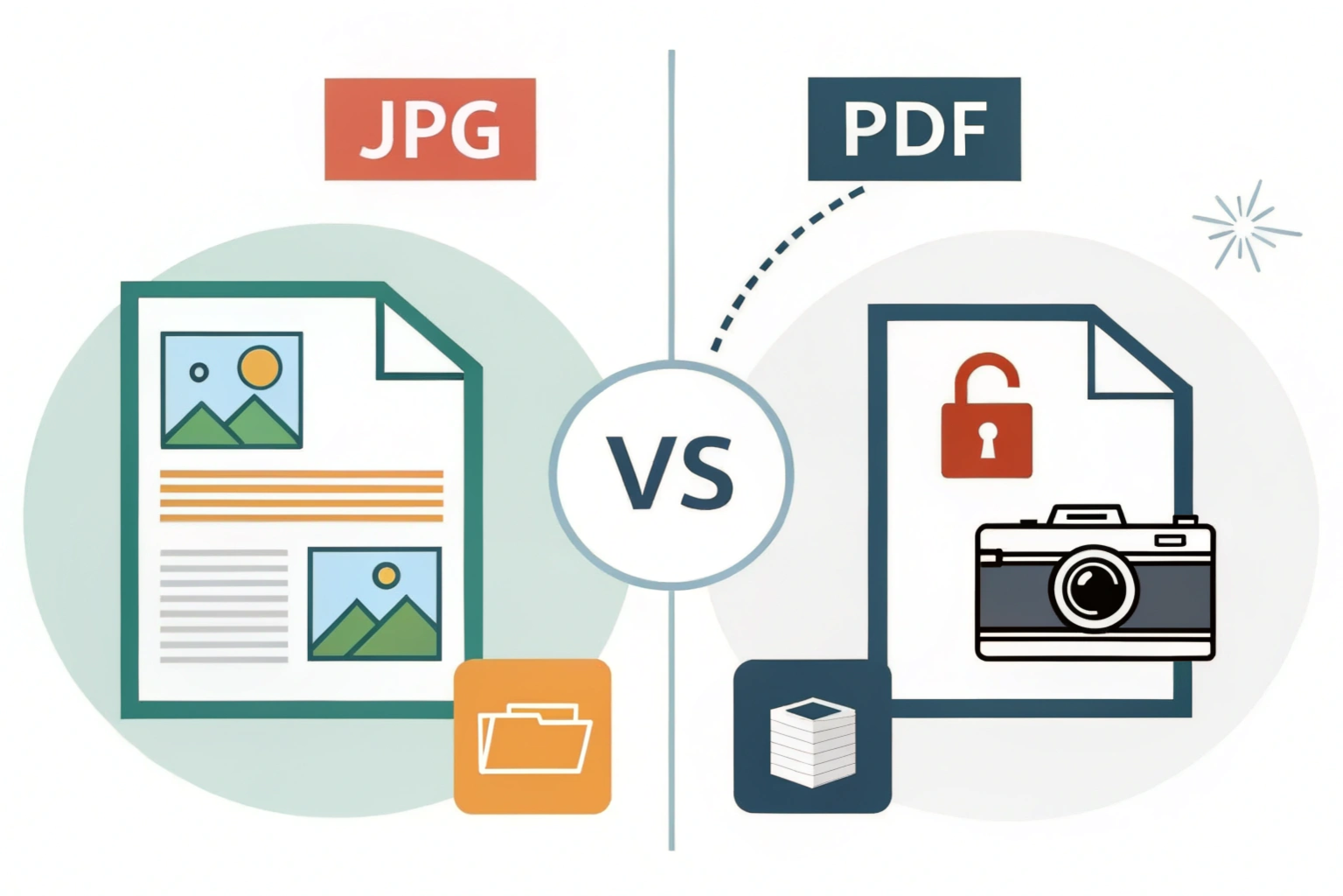
When people talk about the difference between JPG and PDF, they usually want to know which format is better for images, documents, sharing, or editing. Let’s break it down step by step so it’s simple to understand.
JPG vs PDF: File Type Comparison
JPG is mainly an image file format. It is designed to store photos and pictures, especially ones taken from cameras or phones. A JPG file usually contains a single image.
PDF, on the other hand, is a document file format. It can hold text, images, links, tables, and even multiple pages in one file. PDFs are commonly used for reports, resumes, invoices, and ebooks.
In short, JPG is image focused, while PDF is document focused.
JPG vs PDF: Image Quality
JPG files use compression to reduce file size. This makes them load faster, but some image quality is lost every time the file is saved again. For normal photos, this quality loss is usually not noticeable.
PDF files can store images without losing quality if they are saved properly. This makes PDFs better for professional printing or sharing documents where clarity matters.
So, JPG is good for everyday images, while PDF is better when image quality must stay consistent.
JPG vs PDF: File Size
JPG files are usually smaller in size because they are compressed. This makes them ideal for websites, emails, and social media sharing.
PDF files are often larger because they store more information, like text formatting, fonts, and multiple images. However, PDFs can also be optimized to reduce size.
If file size is your main concern, JPG usually wins.
JPG vs PDF: Editing Flexibility
JPG files are easy to edit using photo editing apps. You can crop, resize, adjust colors, or add filters quickly.
PDF files are not as easy to edit. You usually need special software to make changes, especially to text. This makes PDFs more secure but less flexible.
So, JPG is easier to edit, while PDF is better for final or official documents
JPG vs PDF: Use-Case Comparison
Choosing between JPG and PDF depends on what you want to do with the file. Both formats are useful, but they serve different purposes. Let’s break it down in a simple way.
When to Use JPG Files
JPG files are best when you are working with images only. If you need to upload photos to a website, share pictures on social media, or send images through WhatsApp or email, JPG is a great choice. It keeps file sizes small and loads quickly on most devices.
JPG is also useful when storage space matters. Because JPG uses compression, it takes up less space compared to many other formats.
When to Use PDF Files
PDF files are ideal when you want to share documents exactly as they are. If you are sending resumes, reports, invoices, or study notes, PDF is the safer option. The layout, fonts, and formatting stay the same on every device.
PDF is also better when you want to combine text, images, and multiple pages into one single file. That is why PDFs are widely used in offices, schools, and professional settings.
Best Format for Documents
For documents, PDF is the clear winner. It supports multiple pages, protects formatting, and looks professional. Whether it is a contract or an assignment, PDF makes sure everything appears exactly how you designed it.
JPG is not recommended for documents because text can become blurry and editing is difficult.
Best Format for Images
For images, JPG works better in most cases. It is lightweight, easy to share, and supported everywhere. Photos taken from cameras and smartphones are usually saved as JPG because of this.
PDF can store images, but it is not the first choice when you only need to share or upload a single picture.
JPG vs PDF for Sharing and Storage
When it comes to sharing files or storing them for the long term, choosing between JPG and PDF can make a big difference. Let’s break it down in a simple way.
Compatibility Across Devices
JPG files are supported almost everywhere. You can open a JPG on smartphones, laptops, tablets, smart TVs, and even basic feature phones without any extra apps. This makes JPG great for quick sharing on WhatsApp, email, or social media.
PDF files are also widely supported, but they usually need a PDF reader like Adobe Reader or a browser. Most modern devices can open PDFs easily, but very old devices might struggle. Still, PDFs look the same on every screen, which is a big plus.
Security and Password Protection
JPG files do not offer built-in security. Anyone who receives a JPG can open it, copy it, or edit it without restrictions. This is fine for personal photos but not ideal for sensitive information.
PDF files are much better when it comes to security. You can add passwords, restrict editing, and even block printing. That’s why PDFs are commonly used for official documents, reports, and confidential files.
Long-Term Storage Benefits
JPG files are best for storing images like photos and graphics. However, repeated editing and saving can reduce image quality over time due to compression.
PDF files are better for long-term storage of documents. They preserve layout, text, and formatting exactly as intended. This makes PDFs a reliable choice for archiving contracts, invoices, and important records.
Can You Convert JPG to PDF and PDF to JPG?
Yes, you can easily convert JPG to PDF and PDF to JPG. Many online tools, mobile apps, and computer software allow you to switch between these formats in just a few clicks. People usually convert files to make them easier to share, print, or store in a better format.
JPG to PDF Conversion Use Cases
Converting JPG to PDF is very common, especially for documents.
If you have scanned images of certificates, bills, or forms saved as JPG, turning them into a PDF makes them look more professional. PDFs also keep multiple images together in one single file, which is helpful for resumes, assignments, or office documents.
Another reason people convert JPG to PDF is printing. PDFs maintain layout and size better, so what you see on screen usually prints the same way.
PDF to JPG Conversion Use Cases
PDF to JPG conversion is useful when you need images instead of documents.
For example, if you want to upload a page from a PDF to a website or social media, JPG works better because it is widely supported. JPG files are also easier to edit in image editing apps compared to PDFs.
People also convert PDFs to JPG when they only need one page or a visual preview rather than the entire document.
Things to Consider Before Converting
Before converting, think about why you need the new format.
If quality matters, make sure the conversion tool does not reduce image clarity. For important documents, check if text remains readable after conversion. File size is another factor. PDFs can be larger, while JPG files may lose quality if compressed too much.
Also, consider security. PDFs support password protection, but JPG files do not. If your file contains sensitive information, PDF is usually the safer choice.
Conclusion
JPG and PDF both serve different purposes, and that is why the difference between JPG and PDF matters. JPG is mainly used for images like photos and graphics. It focuses on keeping file size small, which makes it easy to upload, download, and share online. However, JPG files can lose some quality when compressed and are not ideal for documents with text.
PDF, on the other hand, is designed for documents. It keeps text, images, and layout exactly the same on every device. PDFs are better for printing, sharing official files, and storing documents long term. They also support security features like passwords and permissions, which JPG does not.
Final recommendation based on usage
If your goal is to share photos, website images, or simple visuals, JPG is the better choice. It is lightweight, fast, and widely supported. If you are dealing with documents, reports, forms, resumes, or files that need a fixed layout, PDF is the smarter option.
In short, use JPG for images and use PDF for documents. Choosing the right format depends on how you plan to use, share, and store your files.