
Best Image Size and Format for Websites in 2025 is a topic every website owner should care about. Images are one of the first things visitors notice when they land on a page. They help tell your story, improve design, and make content more engaging. However, using the wrong image size or format can slow down your website and hurt user experience. That is why understanding image optimization is essential for building fast and modern websites in 2025.
Why image optimization matters more than ever
In 2025, website speed is not optional. Users expect pages to load quickly, especially on mobile devices. Large and unoptimized images are one of the main reasons websites load slowly. When pages take too long, visitors often leave without interacting. Search engines also prefer fast-loading websites, so image optimization directly affects SEO performance. Using the right image size and choosing modern image formats helps improve page speed, reduce bounce rate, and deliver a smoother browsing experience.
How modern websites handle images in 2025
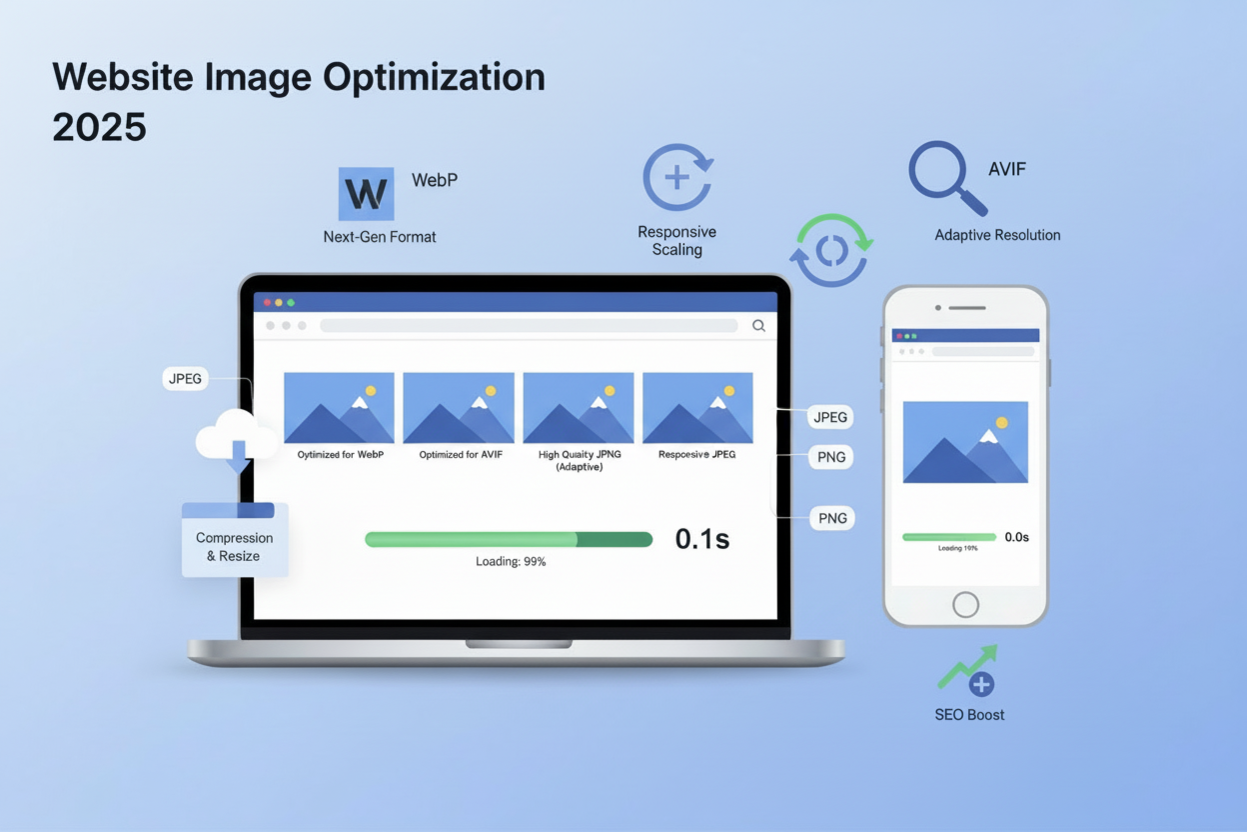
Modern websites use smarter image optimization techniques than ever before. Instead of uploading one large image, websites now serve responsive images that adjust to different screen sizes. Popular image formats like WebP and AVIF are widely used because they offer better compression without losing quality. Lazy loading is also common, which means images load only when needed. These practices help websites stay fast, mobile friendly, and visually appealing in 2025.
Why Image Size Matters for Website Performance
Best Image Size and Format for Websites in 2025 is closely linked to overall website performance. Images usually make up the largest part of a webpage, so their size has a direct impact on how fast your site loads. When images are properly sized and optimized, your website feels quicker, smoother, and more reliable for visitors.
Impact on page load speed
Large image files take longer to download, which slows down page loading. Even a delay of a few seconds can make a website feel unresponsive. Optimizing image size reduces file weight without hurting visual quality. This helps pages load faster, improves performance scores, and supports better Core Web Vitals. Faster load speed also increases the chances of visitors staying on your site longer.
User experience and bounce rate
A slow website can quickly frustrate users. When images load slowly or appear blurry, visitors may lose interest and leave the page. This increases bounce rate and reduces engagement. Using the best image size and format creates a smooth browsing experience where images load quickly and look sharp. A better user experience encourages visitors to explore more pages and interact with your content.
Mobile-first performance considerations
Most users now browse websites on mobile devices, and search engines follow a mobile-first approach. Mobile networks are often slower, so large images can cause serious performance issues. Responsive images and modern formats like WebP and AVIF help deliver smaller files that load faster on mobile screens. Optimizing images for mobile ensures your website performs well across all devices in 2025.
Recommended Image Sizes for Websites in 2025
Best Image Size and Format for Websites in 2025 starts with using the right dimensions for each type of image. Different areas of a website need different image sizes. Using correct dimensions helps images load faster, look sharp, and fit perfectly on all screen sizes.
Hero images and banner image sizes
Hero images and banners are usually the largest visuals on a webpage. In 2025, a common hero image size is around 1920 by 1080 pixels. This size works well for large screens while still scaling nicely on smaller devices. It is important to keep file size as low as possible by using modern image formats and compression. A well optimized hero image creates a strong first impression without slowing down the page.
Blog post and featured image sizes
Blog post images and featured images should be large enough to look clear but not oversized. A recommended size is around 1200 by 628 pixels. This size works well for blog layouts, social sharing, and search results. Using consistent image sizes across all posts helps maintain a clean and professional look while improving website performance.
Thumbnail and gallery image sizes
Thumbnails and gallery images should be small and lightweight because many of them load at the same time. In 2025, thumbnails usually range from 150 by 150 pixels to 300 by 300 pixels. Gallery images can be slightly larger, around 800 by 800 pixels, depending on the layout. Smaller image sizes reduce loading time and make browsing galleries smoother, especially on mobile devices.
Best Image Formats for Websites in 2025

Best Image Size and Format for Websites in 2025 is not only about dimensions but also about choosing the right image format. Each format has its own purpose, and using the correct one helps balance image quality and website speed. In 2025, modern formats make it easier to keep images sharp while reducing file size.
JPEG vs PNG for website images
JPEG and PNG are still widely used on websites. JPEG is best for photos because it offers good quality with smaller file sizes. It works well for blog images, banners, and background photos. PNG is better for images that need transparency, such as logos and icons. However, PNG files are usually larger, so they should be used only when transparency or extra detail is required.
WebP benefits for modern websites
WebP has become one of the most popular image formats for modern websites. It provides high image quality with much smaller file sizes compared to JPEG and PNG. WebP supports transparency and works well for both photos and graphics. Using WebP images helps websites load faster, improves performance scores, and enhances user experience across all devices.
AVIF for high-quality image compression
AVIF is a newer image format that offers excellent compression without noticeable quality loss. It is ideal for high quality visuals where image clarity matters most. AVIF files are often smaller than WebP, making them great for improving page speed. In 2025, AVIF is widely supported by modern browsers and is a strong choice for websites that want the best image quality with minimal file size.K
WebP vs AVIF: Which Image Format Is Better in 2025
Best Image Size and Format for Websites in 2025 often comes down to choosing between WebP and AVIF. Both are modern image formats designed to improve website speed while keeping images clear and sharp. The right choice depends on your website needs, image type, and performance goals.
Image quality comparison
Both WebP and AVIF deliver excellent image quality. WebP provides clear visuals that work well for most website images, including photos, banners, and graphics. AVIF goes a step further by preserving more detail and smoother color transitions, especially in high quality images. If your website relies heavily on detailed visuals, AVIF can offer slightly better results.
File size and performance differences
When it comes to file size, AVIF usually produces smaller files than WebP without reducing quality. Smaller files mean faster page load times and better performance scores. WebP still offers a major improvement over older formats like JPEG and PNG. For most websites, WebP provides a great balance between quality and speed, while AVIF is ideal for maximum compression and performance.
Browser support and compatibility
WebP has broader browser support and works smoothly across almost all modern browsers and devices. AVIF support has improved significantly and is now available on most updated browsers. However, some older browsers may not fully support AVIF yet. Many websites use a fallback approach by serving AVIF first and WebP as a backup to ensure compatibility.
Image Optimization Tips Without Losing Quality
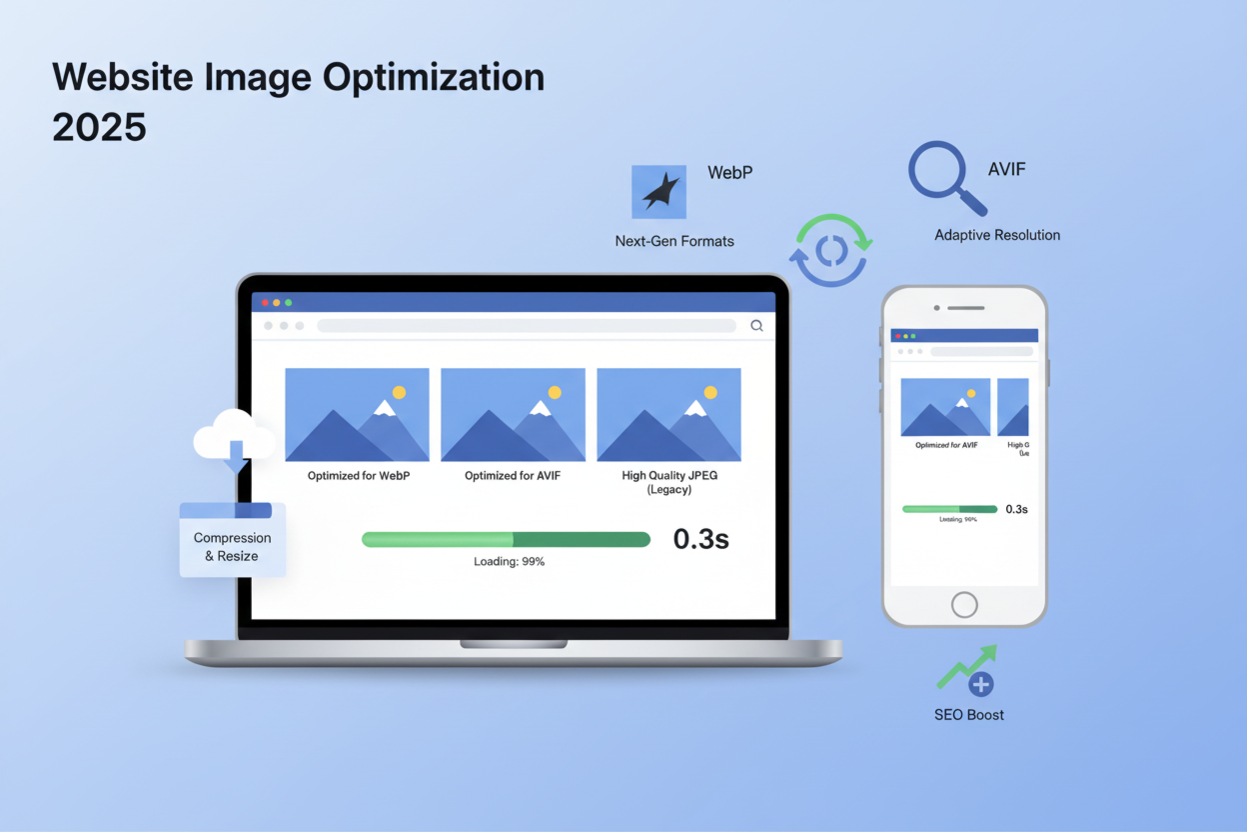
Best Image Size and Format for Websites in 2025 is not just about choosing the right format. It is also about optimizing images the right way so they look great and load fast. With a few simple techniques, you can reduce image file size without affecting visual quality.
Resizing images before upload
One of the most common mistakes is uploading images that are much larger than needed. Always resize images to match the exact dimensions used on your website. For example, if your blog image displays at 1200 pixels wide, there is no need to upload a 3000 pixel image. Resizing before upload reduces file size, improves load speed, and keeps your website running smoothly.
Using compression tools effectively
Image compression tools help reduce file size while keeping images sharp. In 2025, many online and offline tools allow you to control compression levels easily. Using modern formats like WebP and AVIF with proper compression can significantly improve website speed. The key is to compress images enough to reduce size without making them look blurry or pixelated.
Lazy loading and responsive images
Lazy loading ensures images load only when users scroll to them, rather than loading everything at once. This improves initial page load time and saves data, especially on mobile devices. Responsive images automatically adjust based on screen size, delivering smaller images to mobile users and larger ones to desktops. Together, lazy loading and responsive images create a faster and more user friendly experience.
SEO Benefits of Using the Right Image Size and Format
Best Image Size and Format for Websites in 2025 plays a big role in search engine optimization. Images that are properly sized and formatted help websites load faster, rank better, and offer a smoother experience for users. Search engines reward websites that focus on performance, usability, and accessibility.
Faster pages and Core Web Vitals
Using optimized images helps pages load faster, which directly improves Core Web Vitals scores. Large and unoptimized images can slow down loading time and hurt performance metrics. When images are compressed and served in modern formats like WebP or AVIF, pages become lighter and faster. This improves search rankings and keeps users engaged.
Image SEO best practices
Image SEO is more than just uploading pictures. Use descriptive file names, choose the right image format, and keep file sizes small. Adding images that are relevant to the content also helps search engines understand your page better. Optimized images improve visibility in image search results and support overall website SEO.
Alt text and accessibility tips
Alt text helps search engines understand what an image is about and improves accessibility for visually impaired users. Write clear and natural alt text that describes the image while including relevant keywords when appropriate. Avoid keyword stuffing and focus on meaning. Good alt text improves user experience, supports accessibility standards, and strengthens image SEO.
Conclusion
Best Image Size and Format for Websites in 2025 is all about finding the right balance between visual quality and website performance. Using the correct image sizes, choosing modern formats, and optimizing images properly helps your website load faster and look professional. When images are handled the right way, both users and search engines benefit.
Quick summary of best practices
Always resize images before uploading them to your website. Use modern image formats like WebP and AVIF to reduce file size without losing quality. Choose image sizes based on where they appear, such as hero sections, blog posts, or thumbnails. Enable lazy loading and responsive images to improve loading speed across all devices. These simple steps make a big difference in overall website performance.
Final tips for long-term performance
As technology continues to evolve, image optimization should be an ongoing process. Regularly review your images and update them to newer formats when possible. Test your website speed often and replace heavy images with optimized versions. Focus on mobile users and accessibility to stay aligned with search engine guidelines. By following these practices, your website will remain fast, user friendly, and SEO ready well beyond 2025.