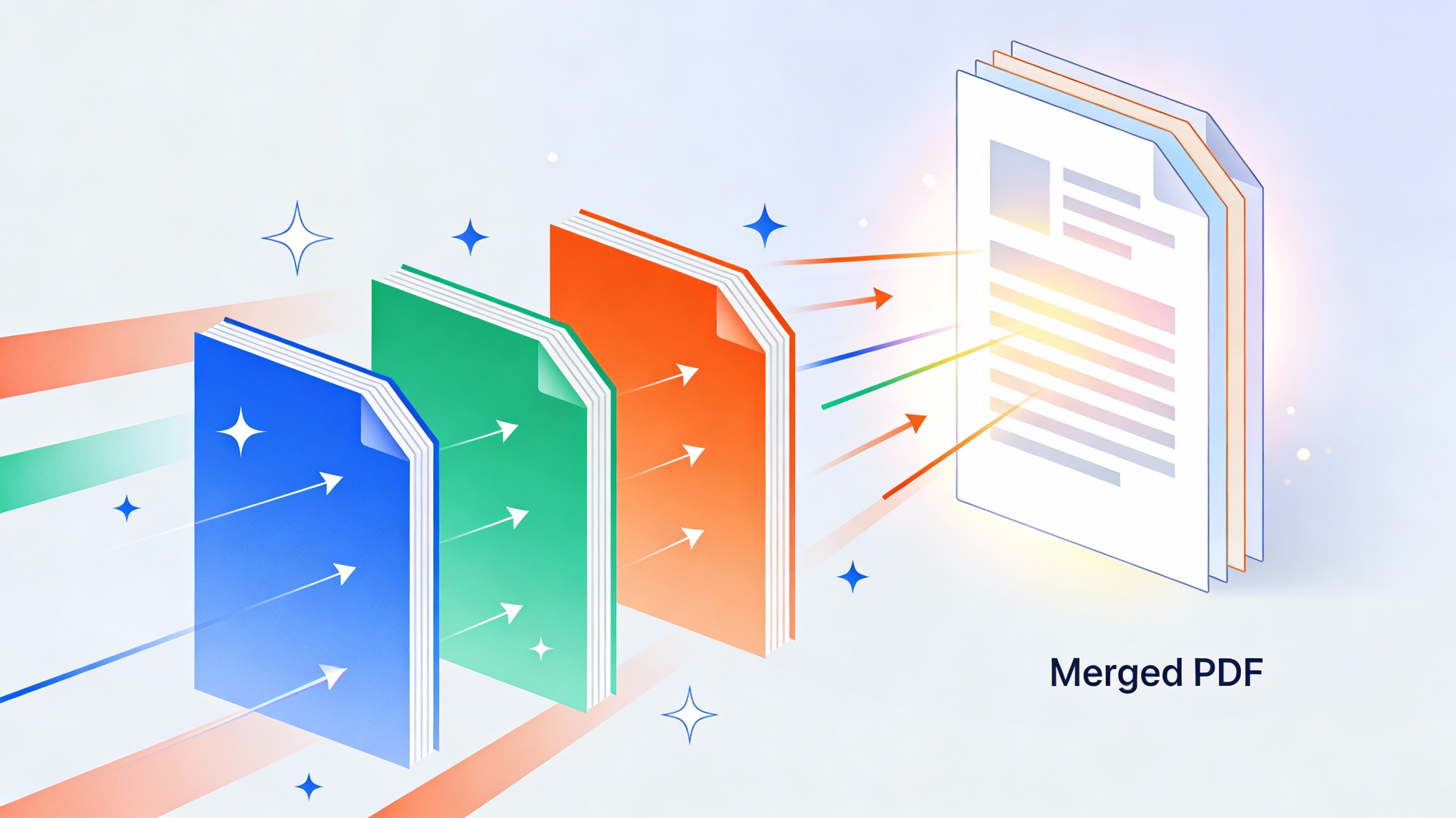

Merging PDF files online into one document doesn’t have to mean downloading bulky software or dealing with complicated installations. Online PDF merging tools let you merge pdfs online quickly and easily, right from your browser.
This guide is perfect for students juggling multiple assignments, office workers handling reports and presentations, small business owners organizing contracts, and anyone who regularly works with PDF documents. You’ll save time and keep your computer clutter-free.
We’ll walk you through the best online PDF merger platforms available today and show you exactly how to combine your files step-by-step. You’ll also learn about security features to protect your sensitive documents and discover advanced options that can make your workflow even smoother.
Benefits of Online PDF Merging Tools
Save Time with Instant Document Combination
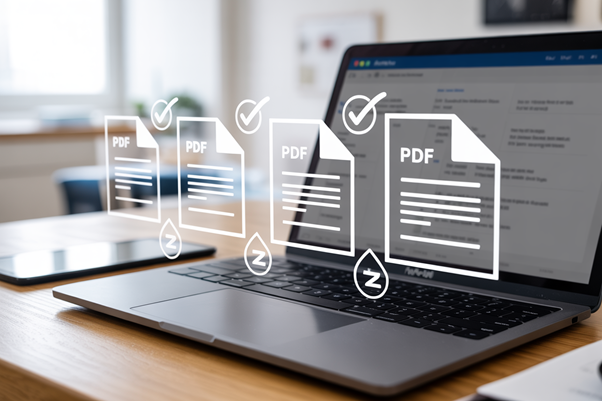
Tools to merge pdf files online transforms what used to be a tedious process into something you can complete in seconds. Instead of manually copying and pasting content between documents or struggling with complex desktop software, you simply upload your files and watch them combine automatically. The entire process typically takes less than a minute, even when dealing with large documents or multiple files.
Traditional methods of combining PDFs often require opening each document separately, copying sections, and reformatting everything to maintain consistency. This approach can eat up hours of your day, especially when working with lengthy reports or presentations. Web-based merging tools eliminate these time-consuming steps by handling the technical aspects behind the scenes while you focus on more important tasks.
Eliminate Software Installation Requirements
Tools to merge pdf files online free you from the hassle of downloading, installing, and maintaining specialized software on your computer. You don’t need to worry about compatibility issues, system requirements, or regular updates that can slow down your workflow. Everything happens directly in your browser, making the process incredibly straightforward.
This approach also saves valuable storage space on your device. Desktop PDF applications can consume hundreds of megabytes, and some professional-grade tools require even more resources. When you merge PDFs online, you bypass these storage concerns entirely while still accessing powerful document manipulation capabilities.
Access Files from Any Device or Location
Cloud-based merging PDF online gives you complete flexibility in how and where you work. Whether you’re using a Windows laptop at the office, a Mac at home, or even a tablet while traveling, you can combine documents without any setup or configuration. The only requirement is an internet connection and a web browser.
This cross-platform compatibility proves especially valuable for teams working across different operating systems or people who switch between devices throughout the day. You can start a project on your desktop computer and finish it on your phone during your commute, maintaining the same level of functionality regardless of your hardware.
Reduce File Management Complexity
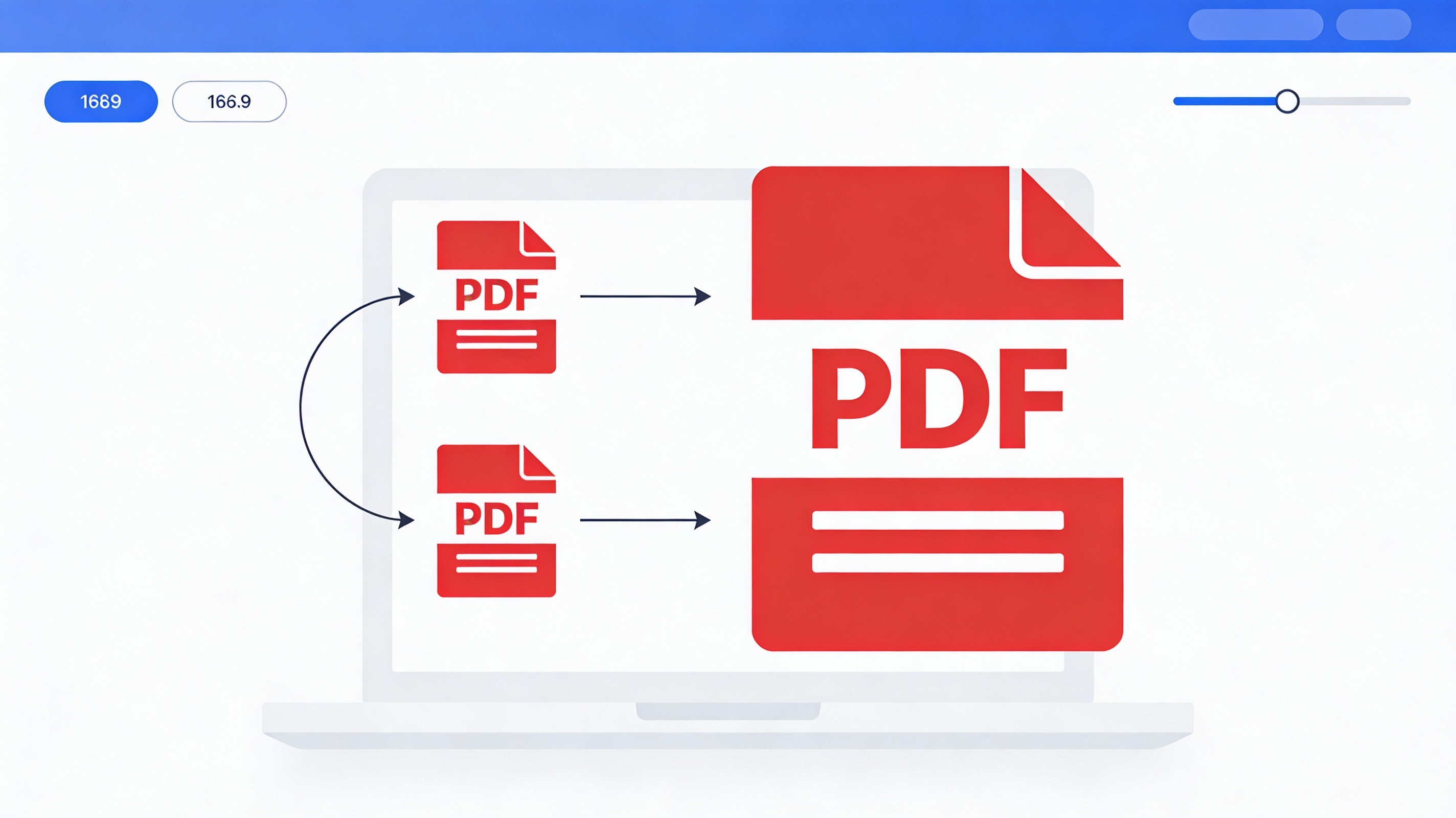
Tools to merge PDF files online streamline your document organization by creating single, comprehensive files from scattered pieces. Instead of juggling multiple PDFs for a single project, you end up with one unified document that’s easier to share, store, and reference. This consolidation reduces the risk of losing important pages or sending incomplete information to colleagues.
The simplified file structure also makes version control much more manageable. Rather than tracking multiple document versions across different files, you maintain one master document that contains all necessary information in the correct order.
Step-by-Step PDF Merging Process
Upload Multiple PDF Files Securely
Most tools used to merge pdf files online make uploading your documents incredibly straightforward. You can drag and drop files directly into the browser window, or click the “Choose Files” button to select documents from your computer. Many platforms support batch uploads, meaning you can select multiple PDF files at once rather than uploading them one by one.
When selecting files, you’ll typically see a file browser that allows you to hold down Ctrl (or Cmd on Mac) while clicking to choose multiple documents. Some tools also accept files from cloud storage services like Google Drive, Dropbox, or OneDrive, which saves time if your PDFs are stored online. The upload process usually takes just seconds, even for larger files, thanks to modern compression and transfer technologies.
Pay attention to file size limits, which typically range from 25MB to 100MB per file, depending on the platform. Most tools will display a progress bar during upload and confirm when each file has been successfully added to your merging queue.
Preview Combined Result Before Download
Before finalizing your merge, quality platforms offer a preview feature that shows exactly how your combined PDF will look. This preview typically displays the first page of each document in sequence, giving you a clear picture of the final result.
The preview function helps you catch potential issues like incorrect page orientation, unexpected blank pages, or documents that might not have merged properly. Some advanced tools even show page numbers and allow you to preview multiple pages from each document.
This step is particularly valuable when working with documents that have different page sizes or orientations. You can spot formatting inconsistencies and make adjustments before downloading, saving you time and avoiding the frustration of having to start over.
Download Your Merged PDF Instantly
Once you’re satisfied with the preview, downloading your merged PDF is typically just one click away. Most platforms generate the combined document within seconds and provide a prominent download button.
The merged file usually keeps a logical naming convention, often combining parts of the original filenames or allowing you to specify a custom name before download. Your browser will download the file to your default downloads folder, though you can usually choose a different location.
Many services also provide additional download options, such as compressing the final file to reduce size or sending the merged PDF directly to your email. Some platforms keep your merged document available for a limited time (usually 24-48 hours) in case you need to download it again, though files are automatically deleted for security purposes.
Frequently asked questions
Is It Safe to Merge PDFs on compressnow.in?
Yes, reputable online PDF merger platforms such as compressnow.in prioritize security and data protection. Most use encryption to protect your files during upload and transfer. Look for platforms that display security badges, use SSL/TLS encryption (indicated by “https://” in the URL), and have clear privacy policies stating that files are automatically deleted after a set period (typically 24-48 hours). Some premium services also offer password-protected merging and advanced encryption options. However, for highly sensitive documents containing confidential information, you may prefer to use downloaded software or enterprise solutions with additional security certifications.
merge pdf files online merge pdf files online merge pdf files online merge pdf files online merge pdf files online merge pdf files online
What is the maximum file size limit to merge PDF files online?
File size limits vary depending on the platform and whether you’re using a free or paid service. Free tier services typically allow 10-25 MB per file or 25-100 MB total, while premium basic plans support 100-200 MB per file. Professional-grade platforms can handle 500 MB to 2 GB or more. If you’re working with large files, check the specific platform’s limits before uploading. You can also compress your PDF files before uploading or split them into smaller batches if they exceed the size limit.
merge pdf files online merge pdf files online merge pdf files online merge pdf files online merge pdf files online merge pdf files online
How long does it take to merge PDF files online?
Most online PDF mergers process documents very quickly. Simple text-based PDFs typically merge within 30-60 seconds on free platforms, while premium services can complete the process in under 15 seconds. Processing speed depends on several factors including file size, number of pages, document complexity (text vs. images), and current server load. Documents containing high-resolution images or embedded fonts may take slightly longer. Real-time progress bars usually show you the estimated time remaining during processing.
merge pdf files online merge pdf files online merge pdf files online merge pdf files online merge pdf files online merge pdf files online
Can I merge PDFs from cloud storage services like Google Drive or Dropbox?
Many modern online PDF merger platforms support direct integration with cloud storage services including Google Drive, Dropbox, and OneDrive. This feature eliminates the need to download files to your computer first. You simply authenticate your cloud storage account, select the PDFs you want to merge from the cloud, and the platform handles the rest. This is especially convenient if your PDF files are already organized in the cloud and saves time on manual uploading.
Need to Compress or Convert Files?
Try CompressNow.in - Free, Fast & Secure file compression and conversion tools!

Author Bio – Tanishk Singh
Tanishk Singh is a Digital Marketing Strategist, SEO Specialist, and Web Technology Expert with over 4+ years of hands-on experience in building, ranking, and monetizing high-performance web platforms.
He has helped scale organic traffic for multiple education and SaaS websites, including increasing Shoolini Online’s SEO traffic from 800 to 20,000+ users in just 2.5 months using advanced content architecture, AI-driven SEO, and Google SGE optimization.
Tanishk specializes in creating AI-powered web tools, performance-optimized platforms, and SEO-focused websites that rank, convert, and generate consistent revenue.